
9 templates: Black Friday
Nine Black Friday email templates across industries: online shop, fashion, beauty, SaaS, food delivery, retail, education, travel and gifts. The compositions are deliberately different — a fully dark layout, a product grid instead of a banner, a live countdown, an asymmetric split and a minimal list with no images at all. None of them looks like the others in the catalogue.
Templates in this collection: 9
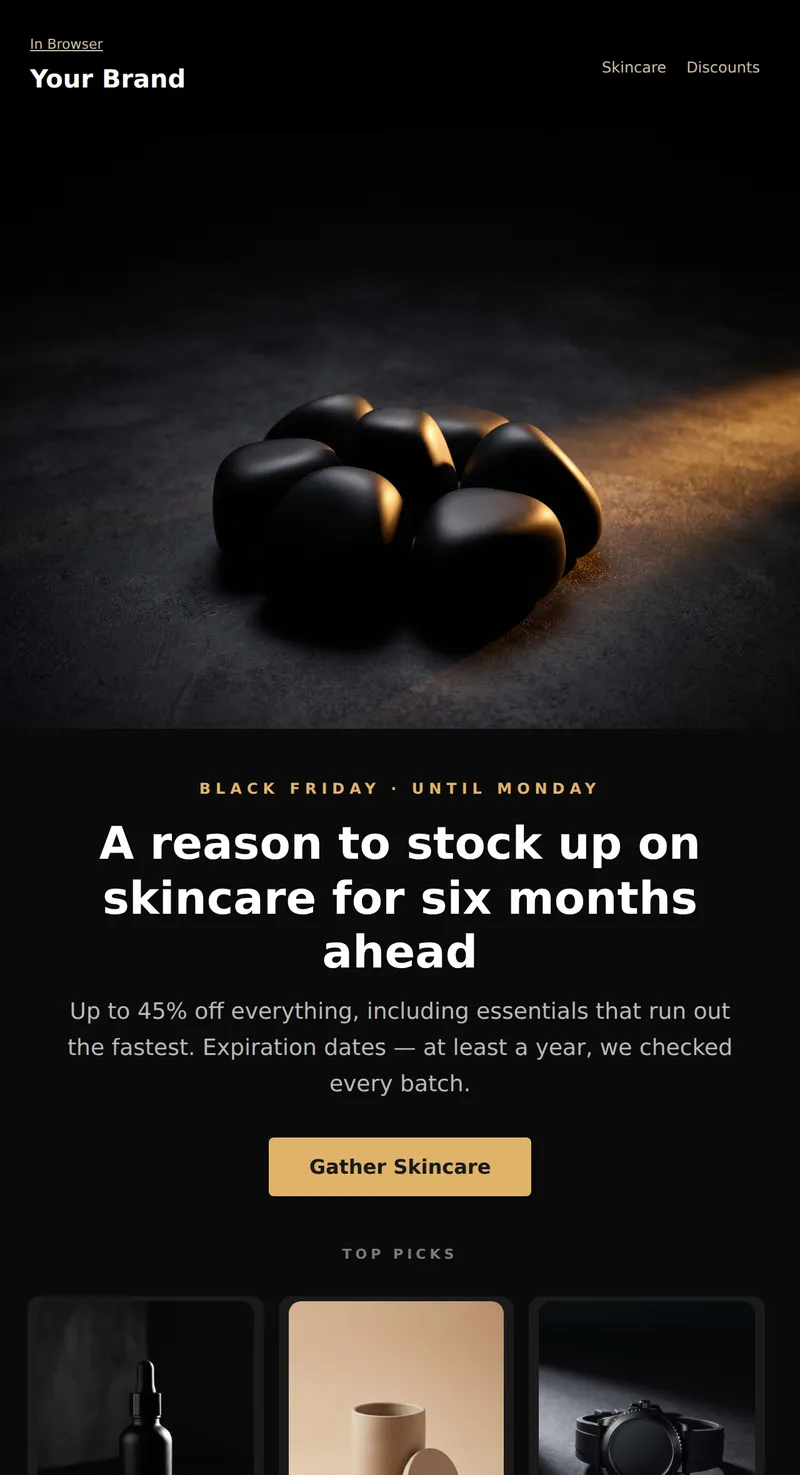
Black Friday Email for a Beauty Brand: Dark first screen with gold accents, three products with prices, and a reminder about expiration dates.
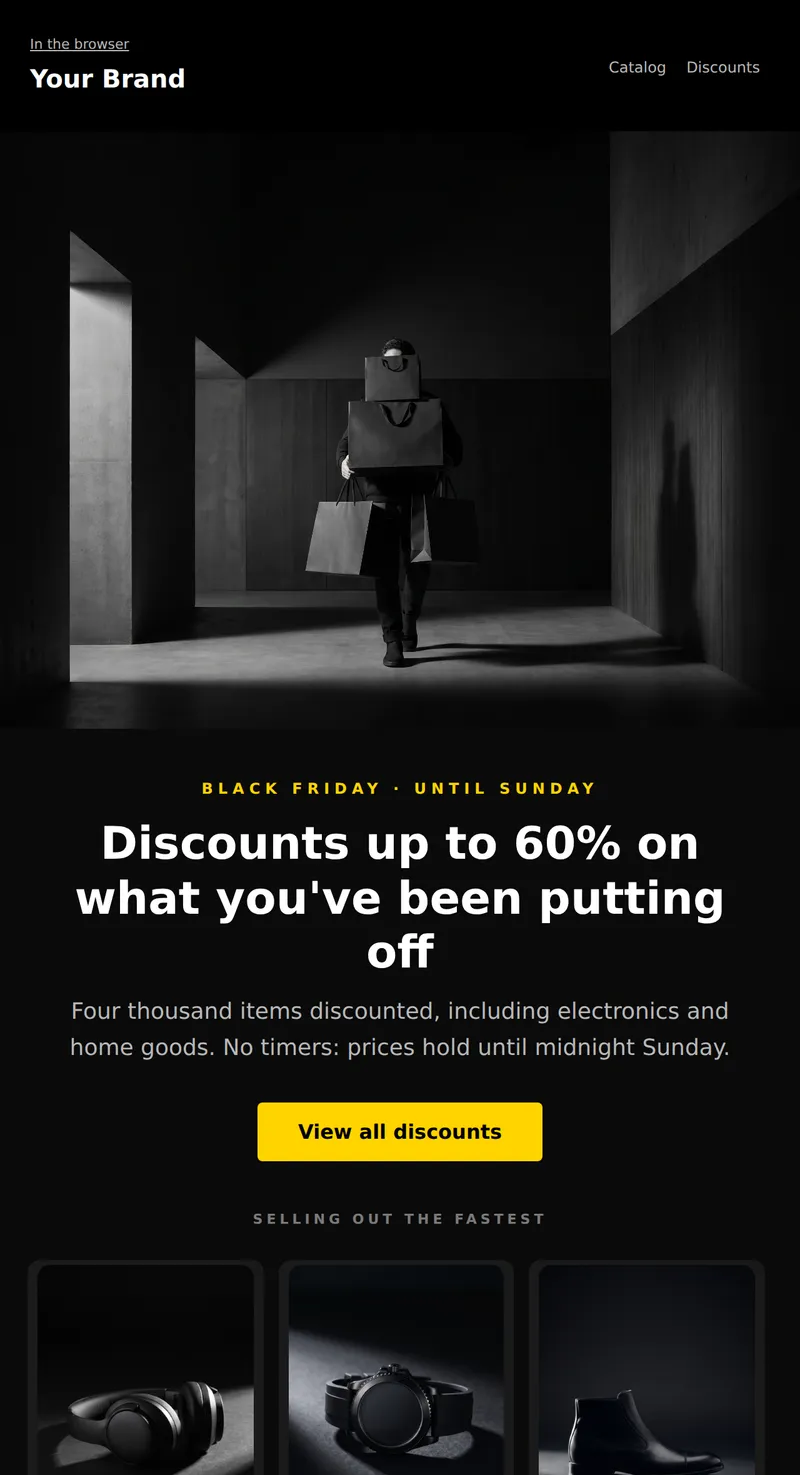
Black Friday email for online store: dark first screen, three products with old prices, and exact promotion end date. No fake timers.
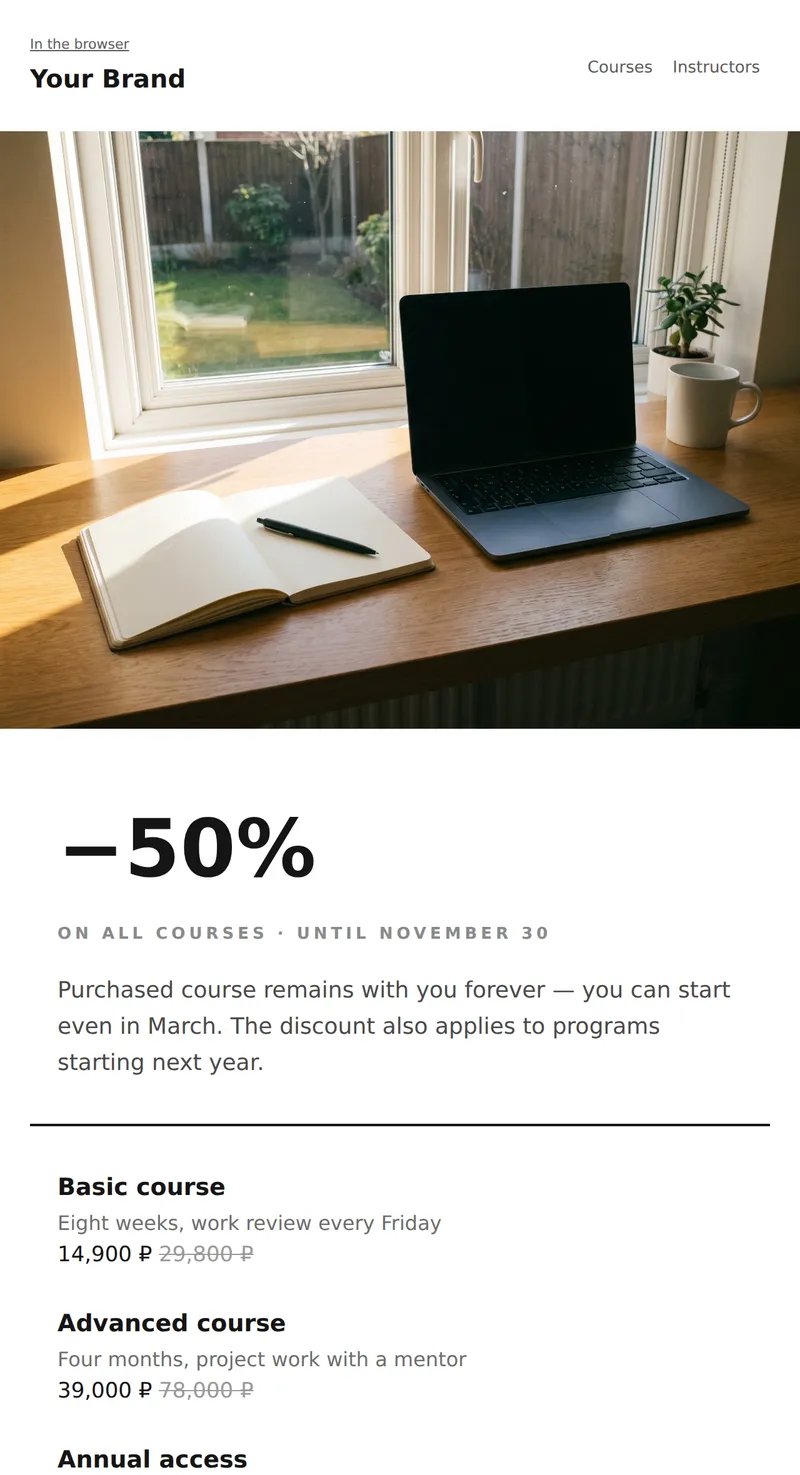
Online school promo: email without any images. Only typography, dividers, and prices. Loads quickly, not blocked by mail.
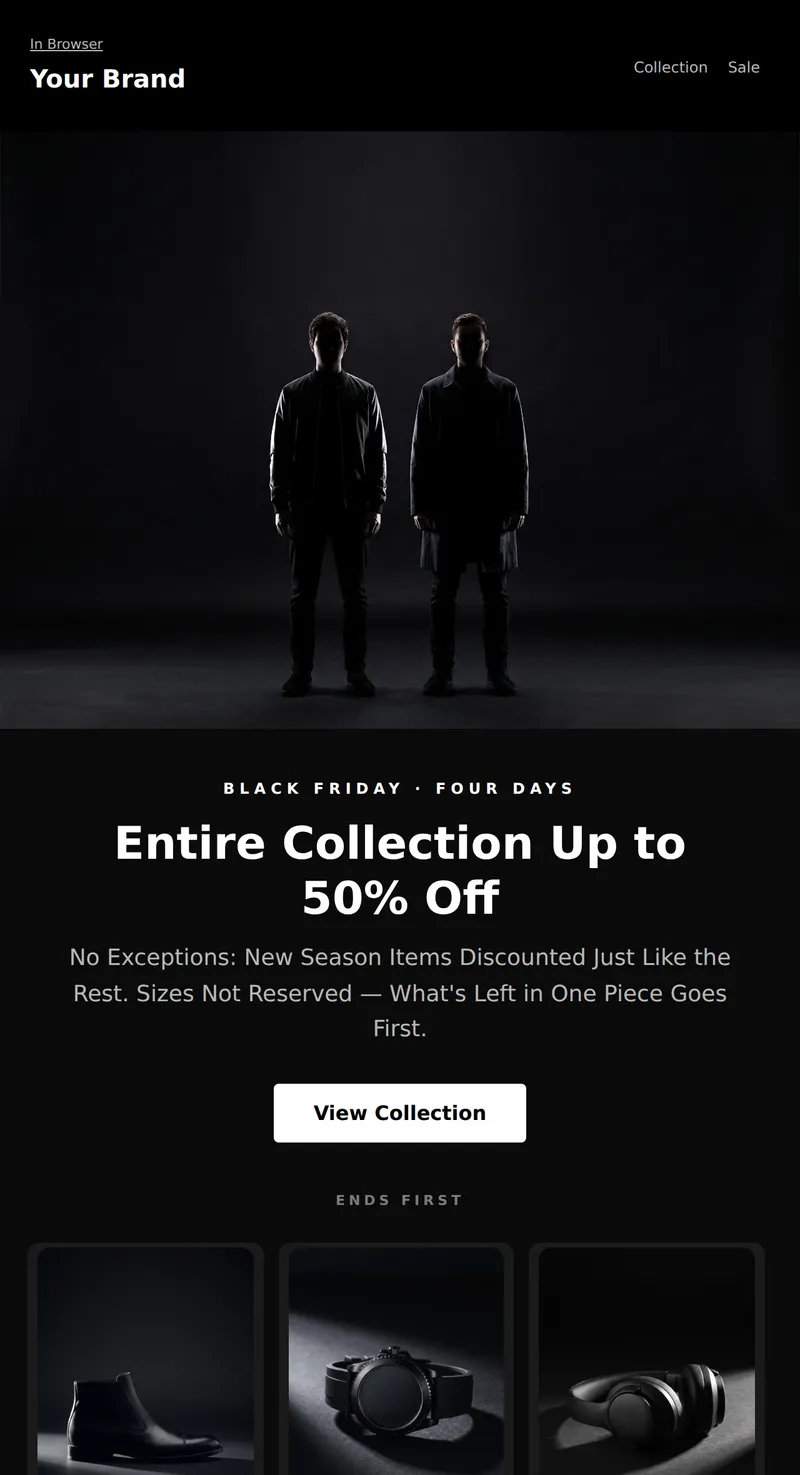
Black Friday Letter for Clothing Store: Strict Monochrome, Three Items at Old Prices, and Honest Size Warning.
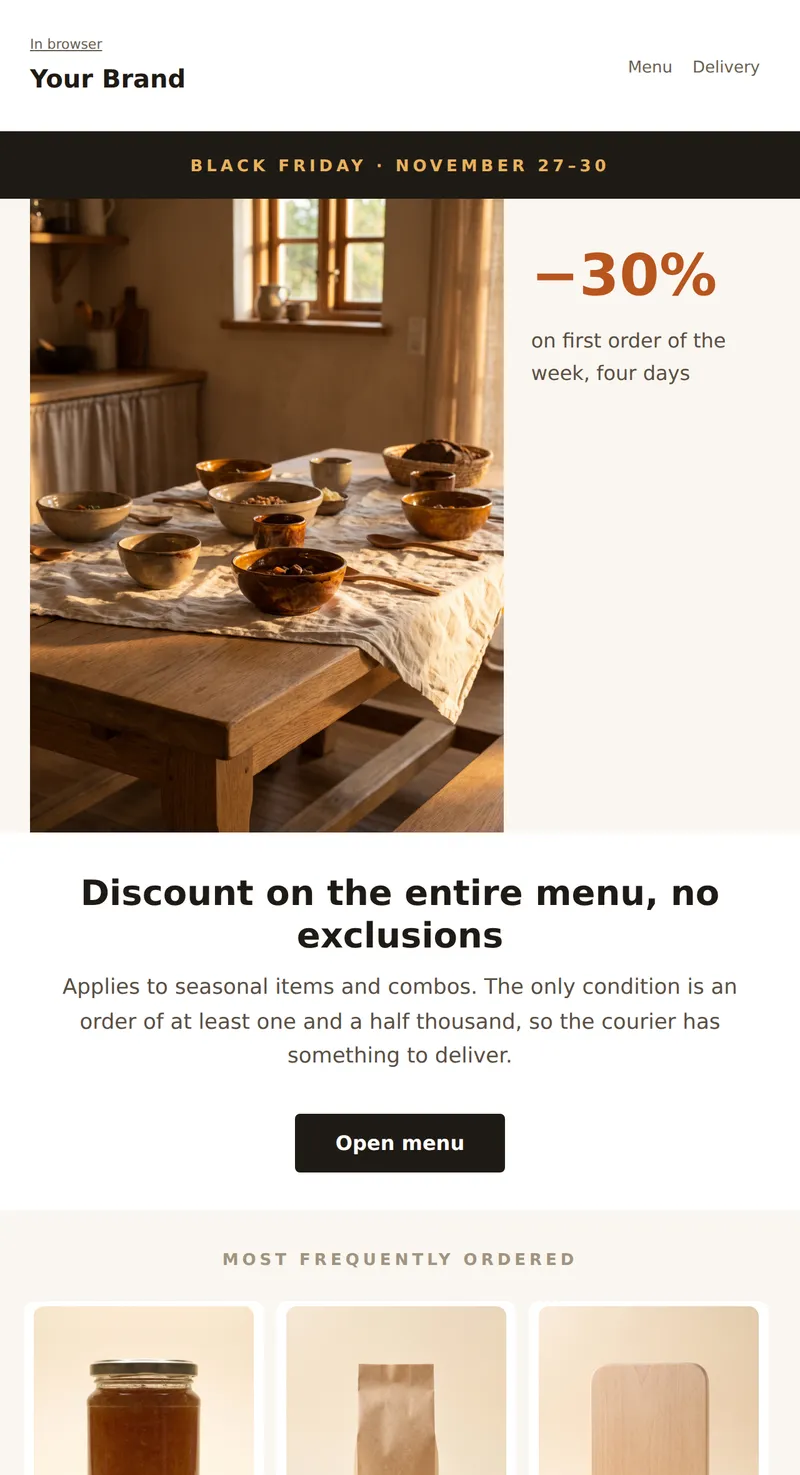
Promo email for a restaurant or delivery service: large photo takes up two-thirds of the width, text next to it in a narrow column. Composition without usual symmetry.
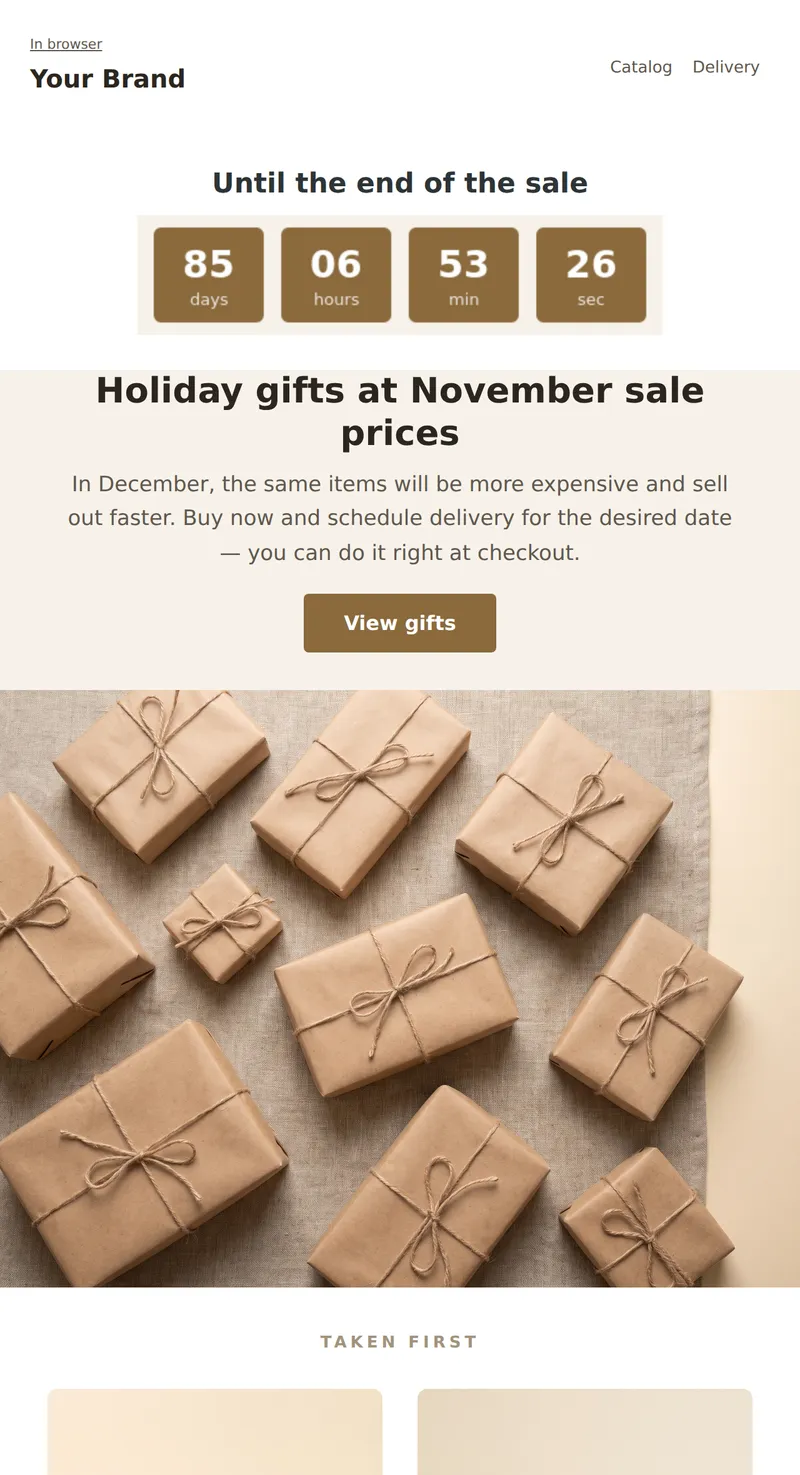
Gift shop promo: live countdown right under the header, focus on buying holiday gifts in advance.
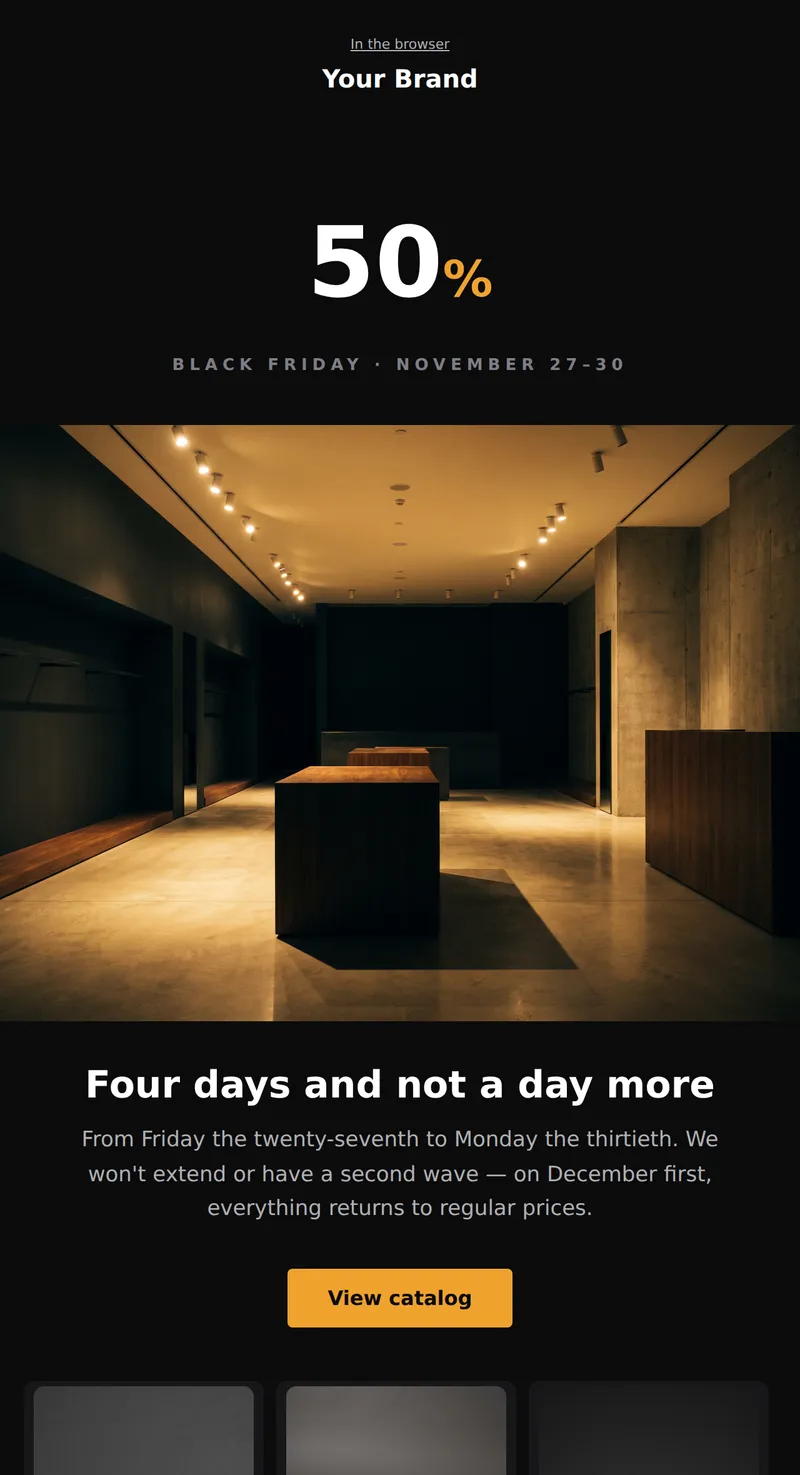
Retail promo: email entirely on black background, discount in large numbers, three products in dark cards.
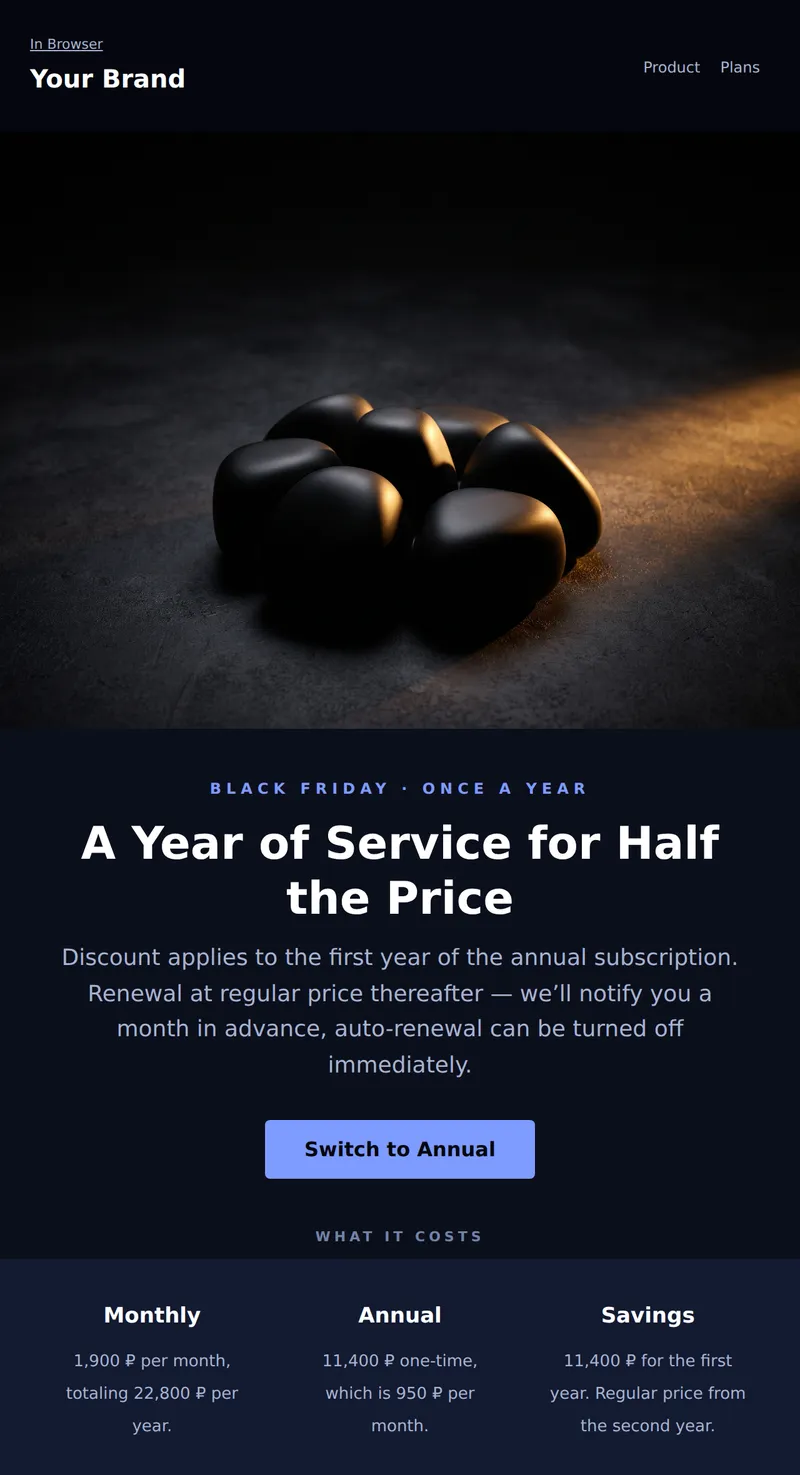
Black Friday email for subscription service: dark first screen, honest calculation of annual plan benefits, and cancellation terms.
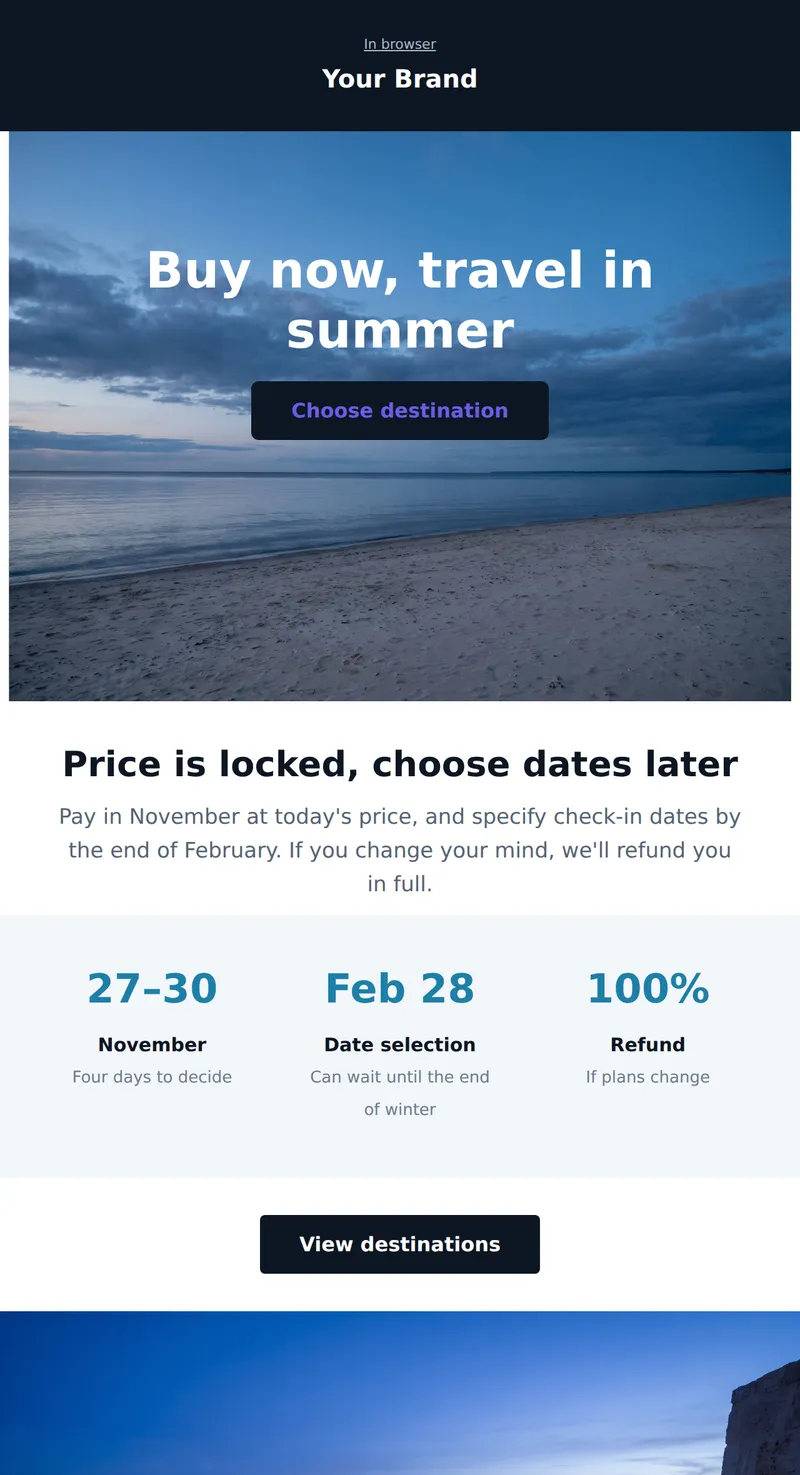
Promo for travel service: headline and discount over a coastal frame, no separate banner. Travel dates are flexible.
Why these emails matter
During Black Friday week a subscriber gets several times more email than usual. What wins is not the loudest discount but the clearest first screen: what is on sale, by how much, and until when. That is why every template here puts the discount and the deadline above the fold instead of hiding them in the footer.
How to choose a template
Selling a wide range? Take the product grid template, which opens straight into six items. Premium positioning? The dark layout puts the discount as a large figure on black. Hard deadline? The countdown version places a live timer directly under the header. Services and education? The minimal list loads fast and survives image blocking. Restaurant or delivery? The asymmetric split gives the photograph two thirds of the width. Travel? The headline sits over a background photograph.
Tips
- Give an exact end date rather than a countdown. Timers often fail to render in email; a date always shows.
- Put the old price next to the new one. A percentage without the original figure convinces nobody.
- Warn about delivery times up front: order volume spikes these days, and silence about delays drives support tickets.
- Keep returns and exchanges available during the sale, and say so in the email — it removes the main objection.
- Test the email in dark mode. A dark Black Friday design behaves differently there than a light one.
Frequently asked questions
Are these templates free to use?
Yes. Open any template in the editor, replace the copy and images with your own, then export the HTML or send it through your own email service provider.
Will the emails render correctly in Outlook?
Yes. The markup is table-based, with no flexbox or absolute positioning, and background images are duplicated in VML — the techniques desktop Outlook actually needs.
How do I apply my brand colours?
Upload a brand book in the Brand books section and colours, fonts and corner radii apply to every block automatically. You can also set any colour by hand in the right-hand panel.
When should a Black Friday email go out?
The usual pattern is three sends: an announcement a week ahead, the launch on the day itself, and a reminder a few hours before the sale closes. These templates work for all three — only the headline and the deadline change.
