
6 templates: Pets
Six email templates for pet shops, food delivery services and veterinary clinics: a subscription promo, a welcome email built around a pet profile, a care digest, a cart reminder, a refill reminder based on what is left, and an order confirmation with transition instructions.
Templates in this collection: 6
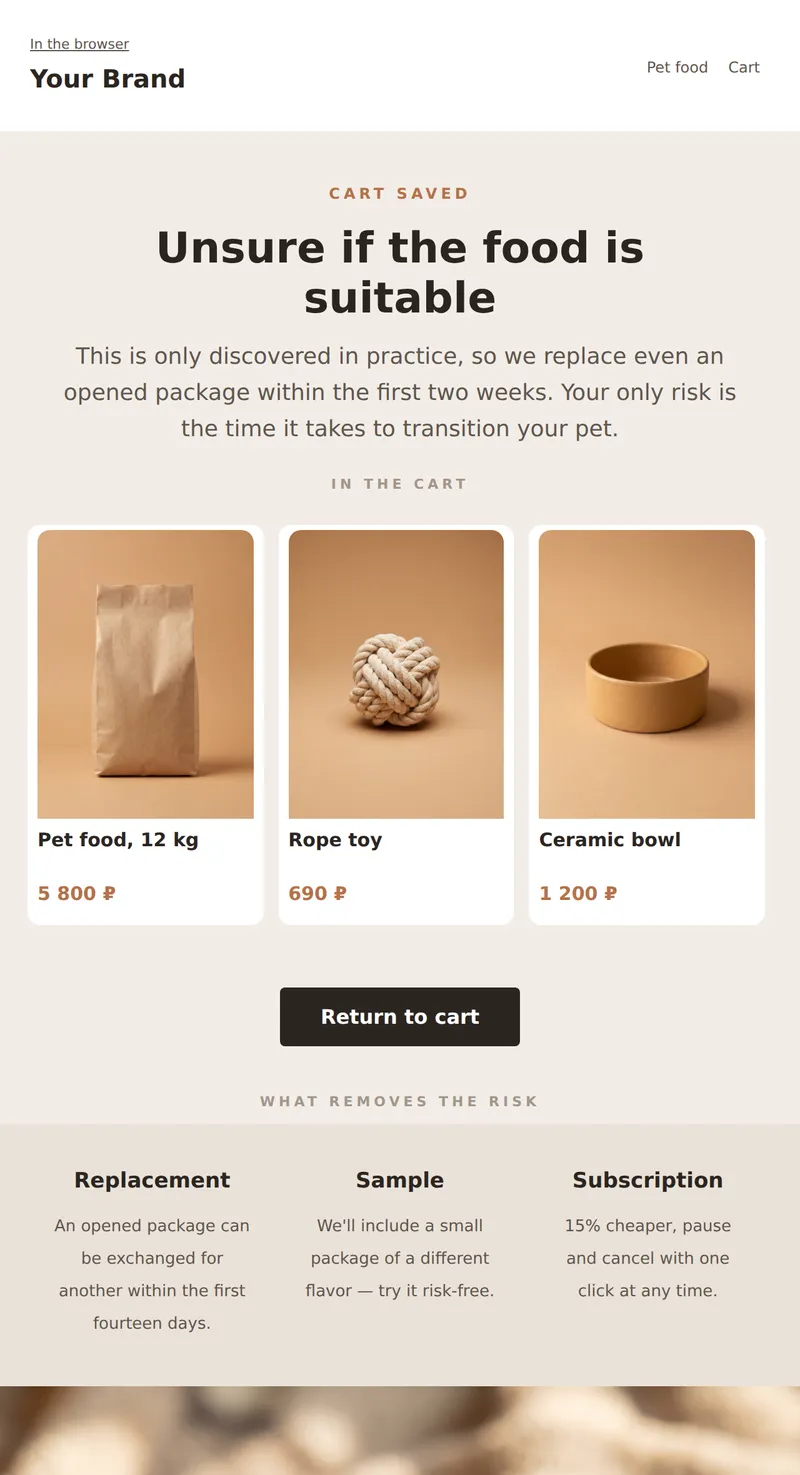
Abandoned cart email: what's left, replacement of opened package, and offer to subscribe instead of a one-time purchase.
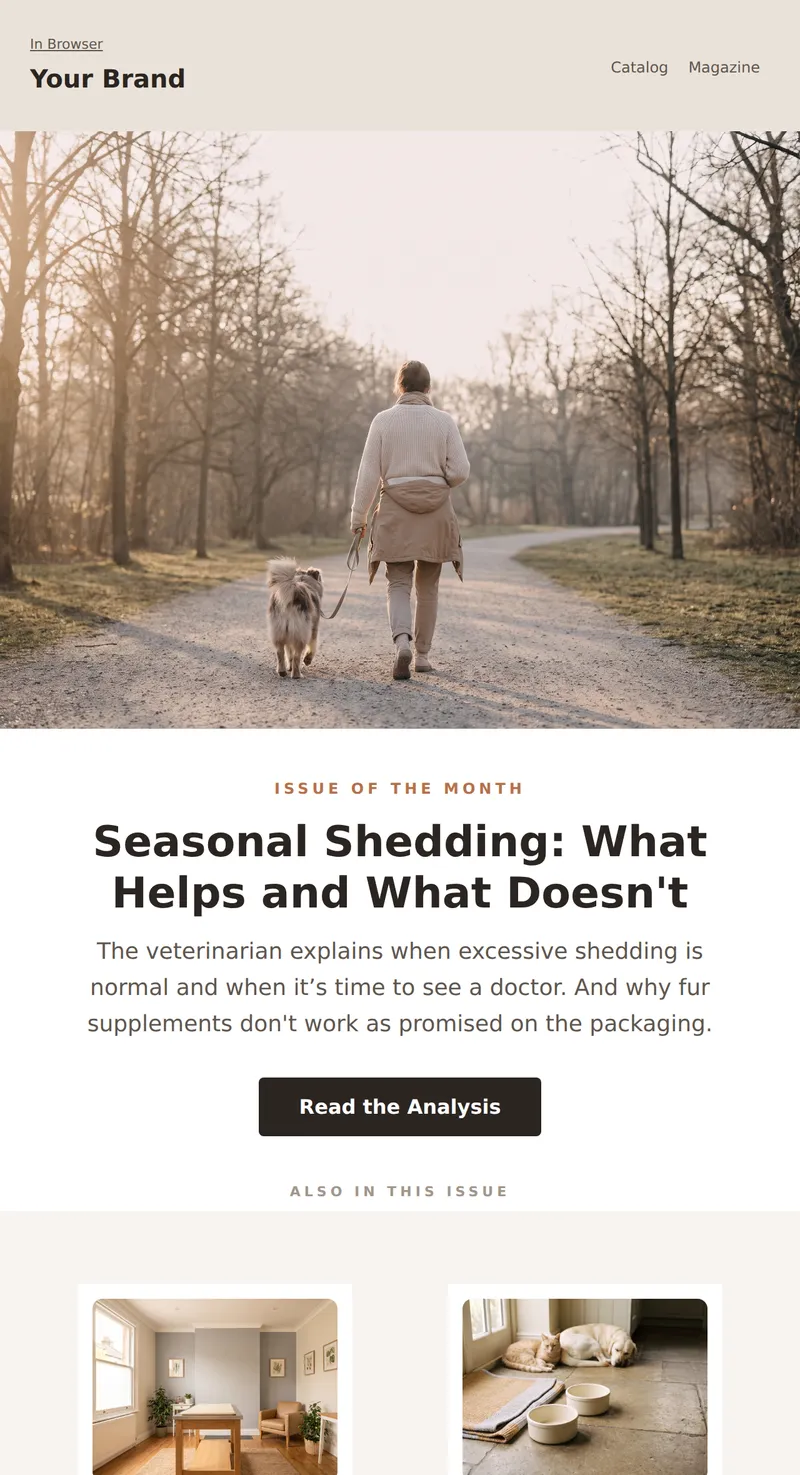
Monthly Pet Store Digest: Seasonal Breakdown, Two Short Articles, and Product Selection.
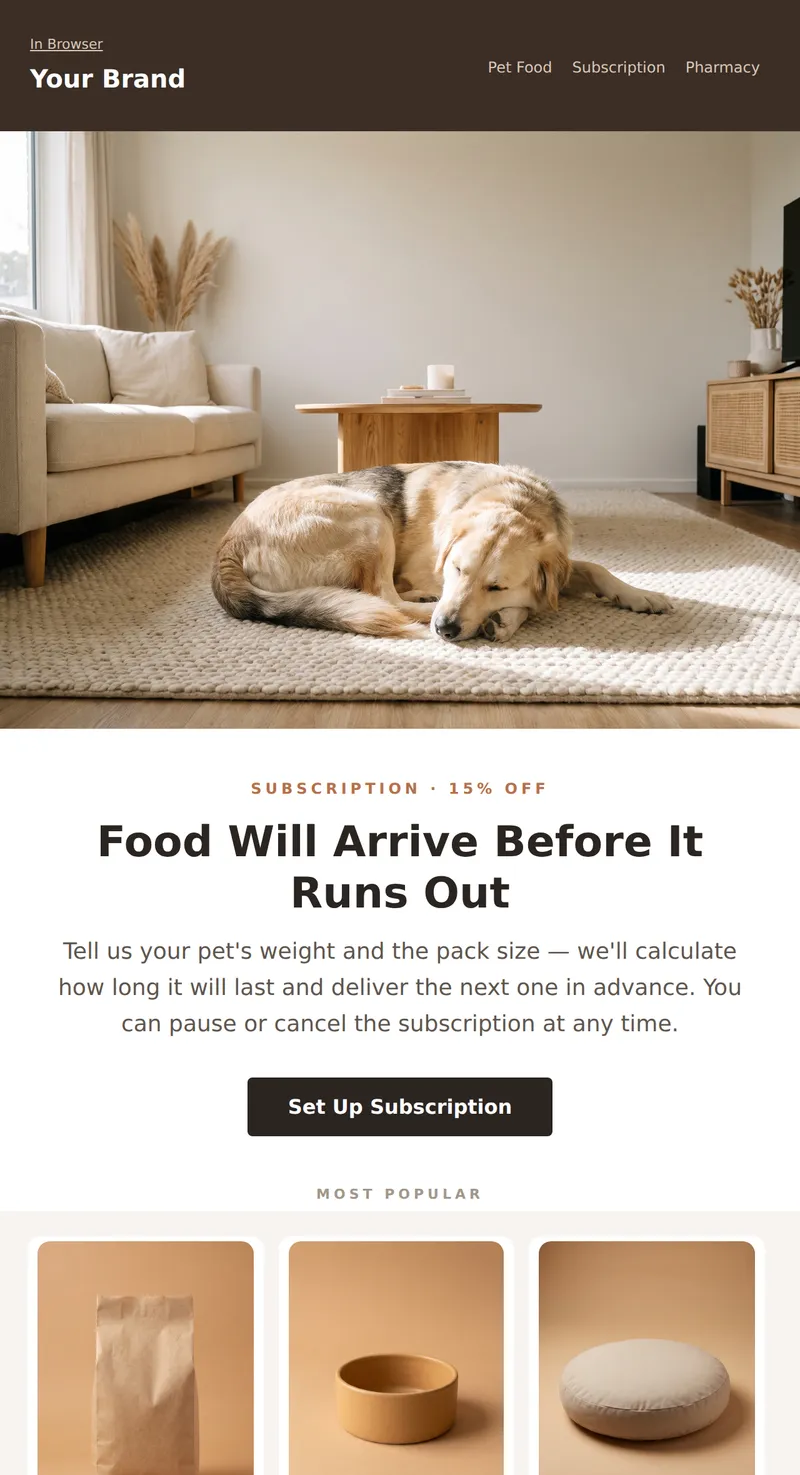
Pet Store Promo: Three Items with Prices, Subscription for Regular Delivery, and Reminder for Gradual Transition to New Food.
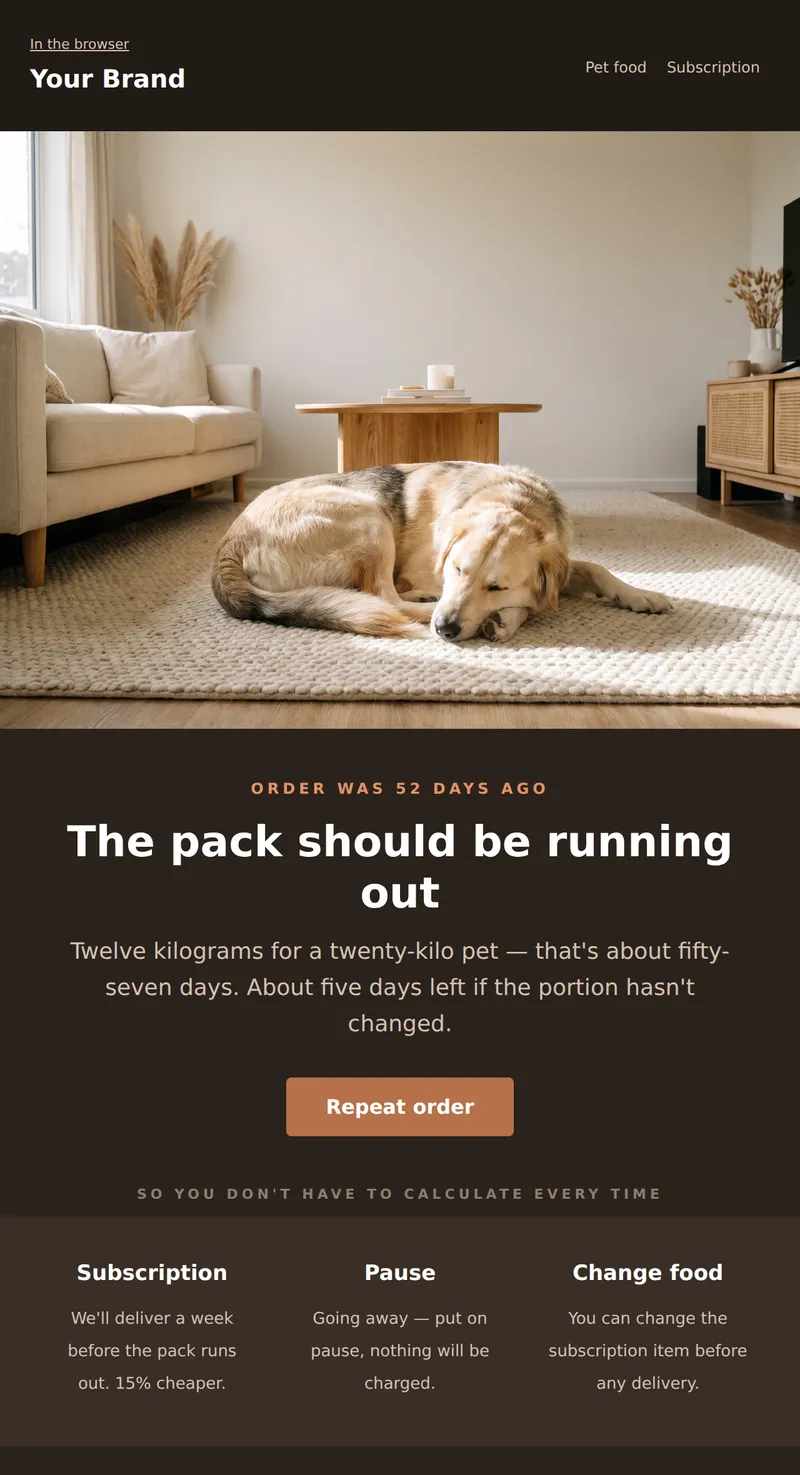
Dark email with remaining calculation: when the pack was purchased, how long it lasts, and that it's time to order.
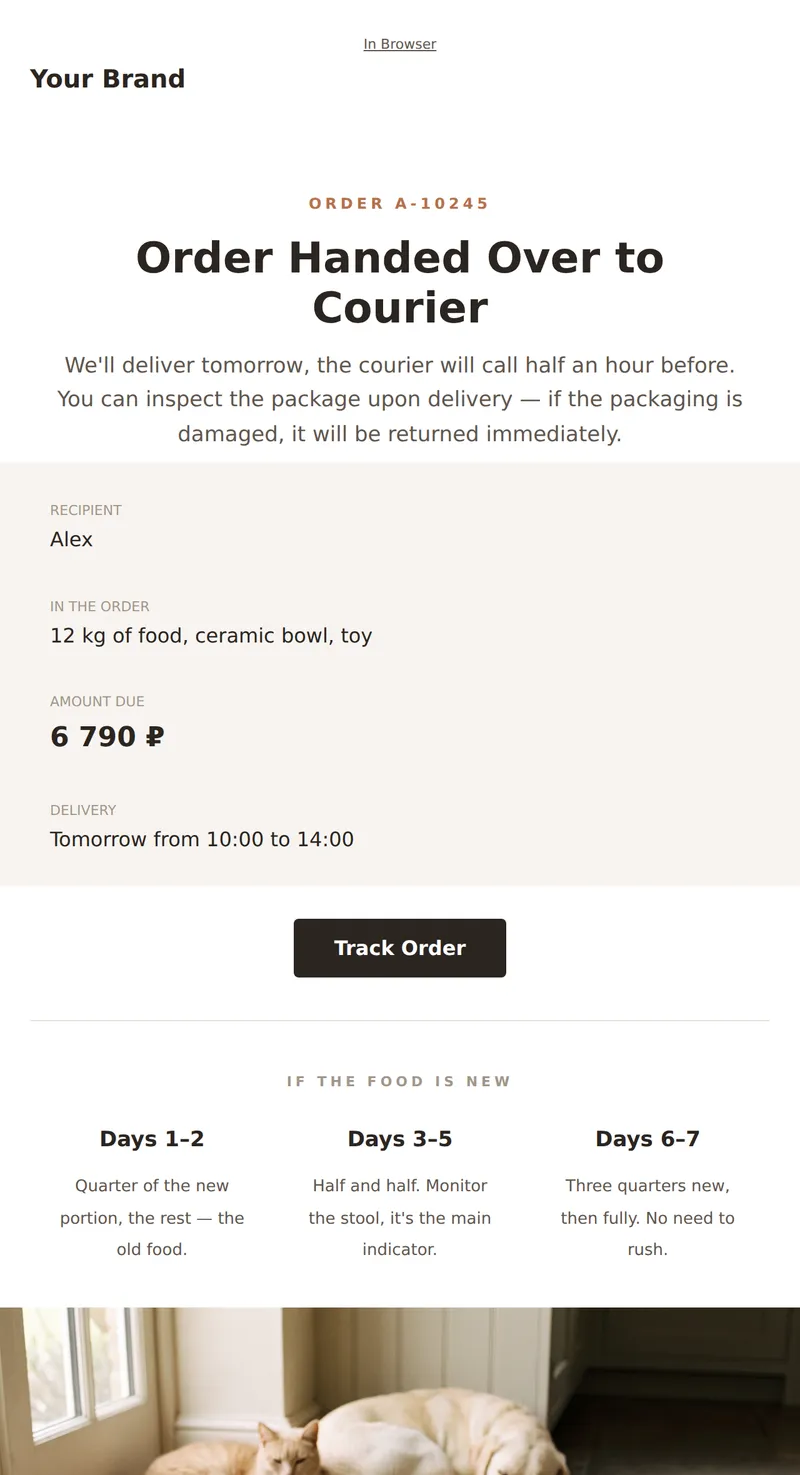
Service Email About Your Order: Contents, Delivery, Food Replacement, and Reminder for Gradual Transition for Your Pet.
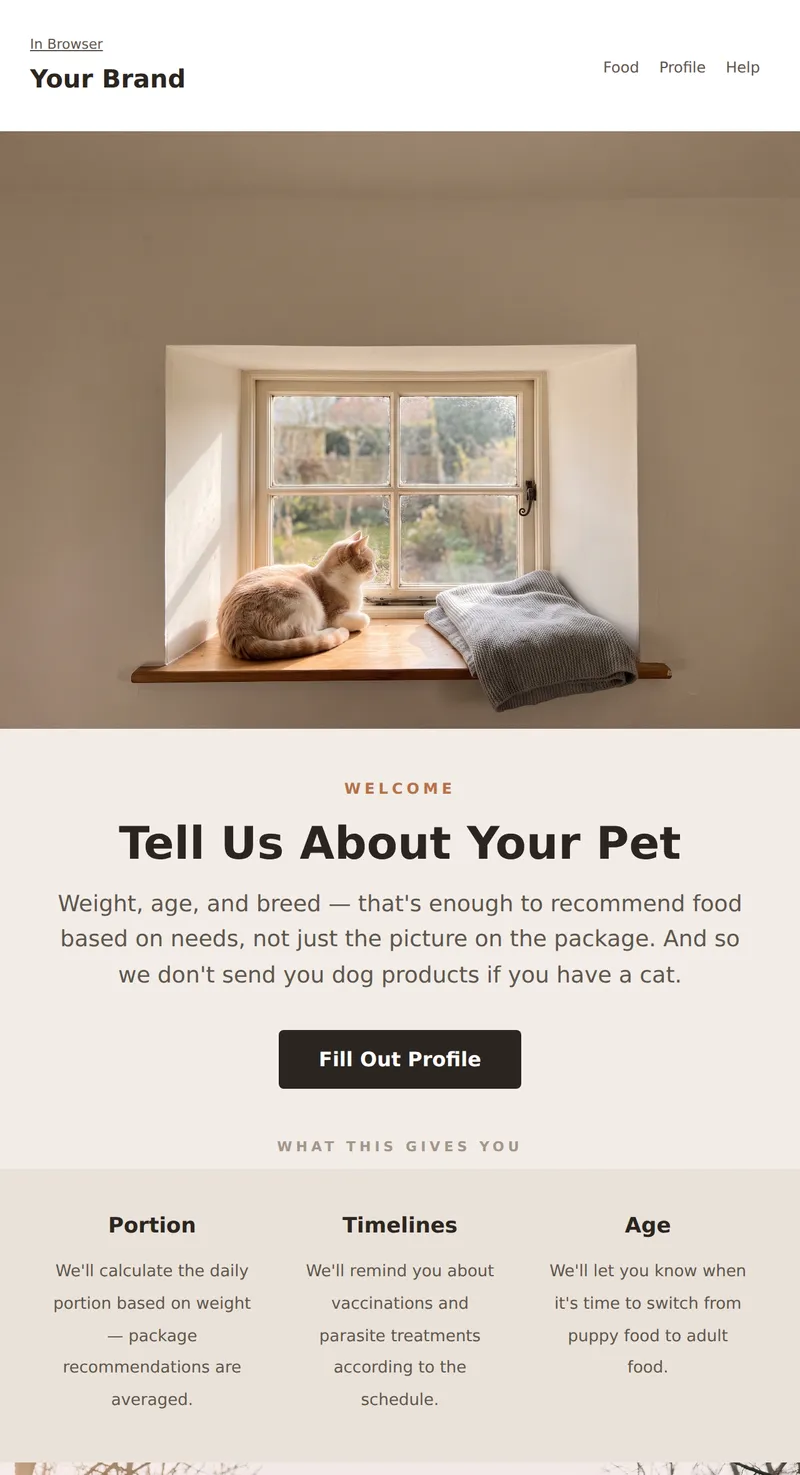
Welcome Email from Pet Store: Why Fill Out Your Pet's Profile, Three Promises, and Vaccination Reminders.
Why these emails matter
Pet food has a predictable cycle: a twelve-kilo bag for a twenty-kilo dog runs out in roughly fifty-seven days. That changes the logic of the campaign entirely — instead of «we miss you», the maths does the work. An email sent a week before the bag runs out brings the customer back with almost no discount, because it arrives on time rather than at random.
How to choose a template
Promoting a subscription? The promo template shows the calculation and the pause option. Building a list? The welcome email collects a pet profile — weight and age are needed to calculate portions, not to «personalise». Running a newsletter? The care digest, written by a vet. Three templates close the loop: cart, refill reminder and order confirmation with a day-by-day transition plan.
Tips
- Calculate the remaining days from pet weight and bag size. It is the only personalisation that genuinely works here.
- Allow exchanges on opened bags. Whether a food suits an animal only shows in practice; the standard returns policy is meaningless here.
- Include a day-by-day transition plan in the order confirmation. An abrupt switch almost always ends in an upset stomach.
- Collect weight and age, not breed. Portions are calculated from weight; breed is asked for so the email can sound friendly.
- Do not mix dog and cat products in one campaign. It is the first thing that annoys and the easiest thing to fix.
Frequently asked questions
Are these templates free to use?
Yes. Open any template in the editor, replace the copy and images, then export the HTML or send it through your own provider.
Will the emails render correctly in Outlook?
Yes. The markup is table-based, with no flexbox or absolute positioning, and background images are duplicated in VML.
Do these work for a veterinary clinic?
Partly. The care digest and welcome email work unchanged, while the food promo becomes services. For appointment booking, use the templates from the Healthcare & clinics section instead.
How often should refill reminders go out?
Once, a week before the calculated end of the bag. A second reminder in the same cycle reads as nagging.
