
7 templates: Travel & hotels
Six email templates for hotels, tour operators and booking services: an early booking promo, a welcome email for new subscribers, a seasonal destination digest, an abandoned booking reminder, a win-back email and a booking confirmation. Open any of them in the editor and change hotels, dates and colours for your own.
Templates in this collection: 7
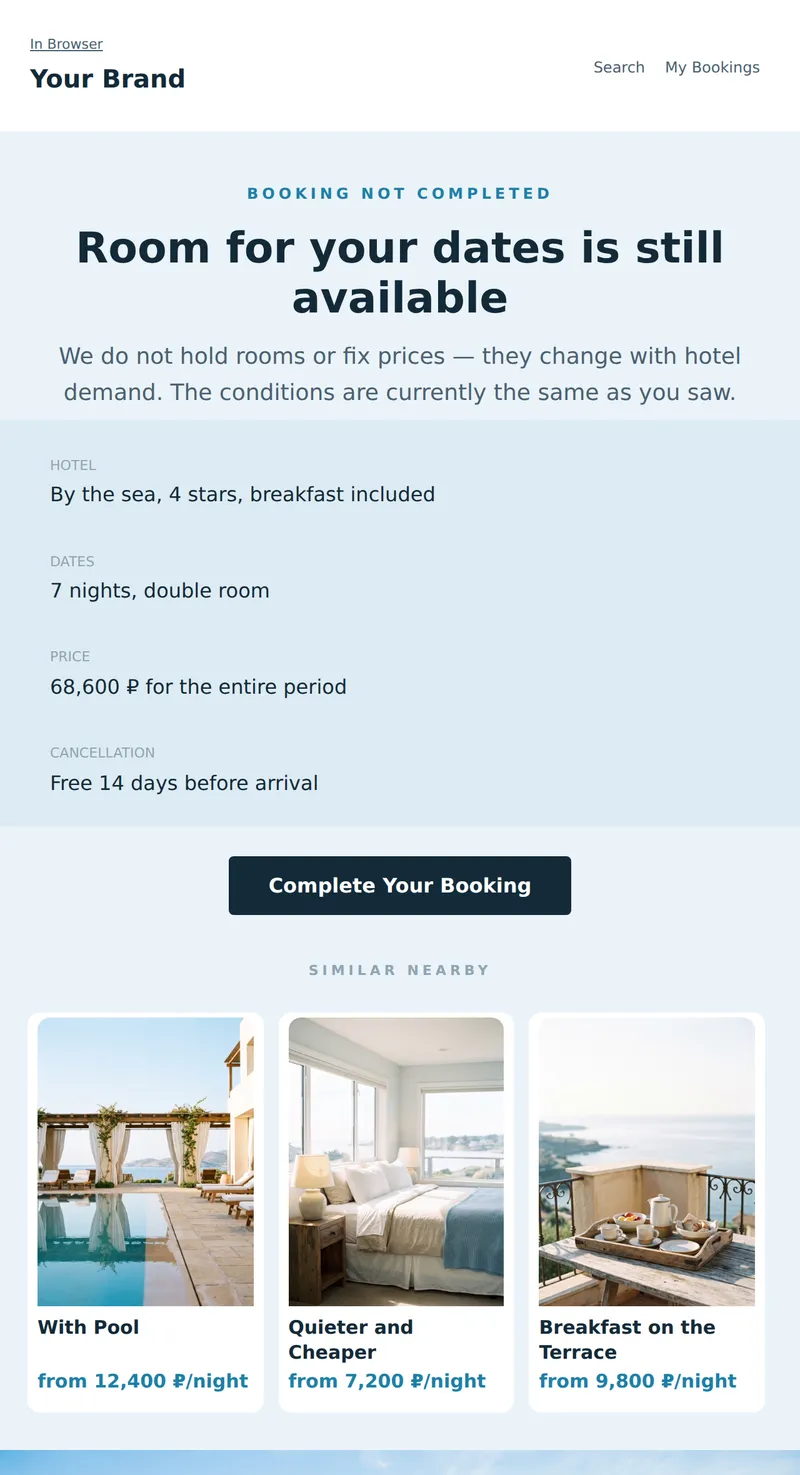
Abandoned Booking Email: selected hotel, dates, note that the price is not fixed, and free cancellation terms.
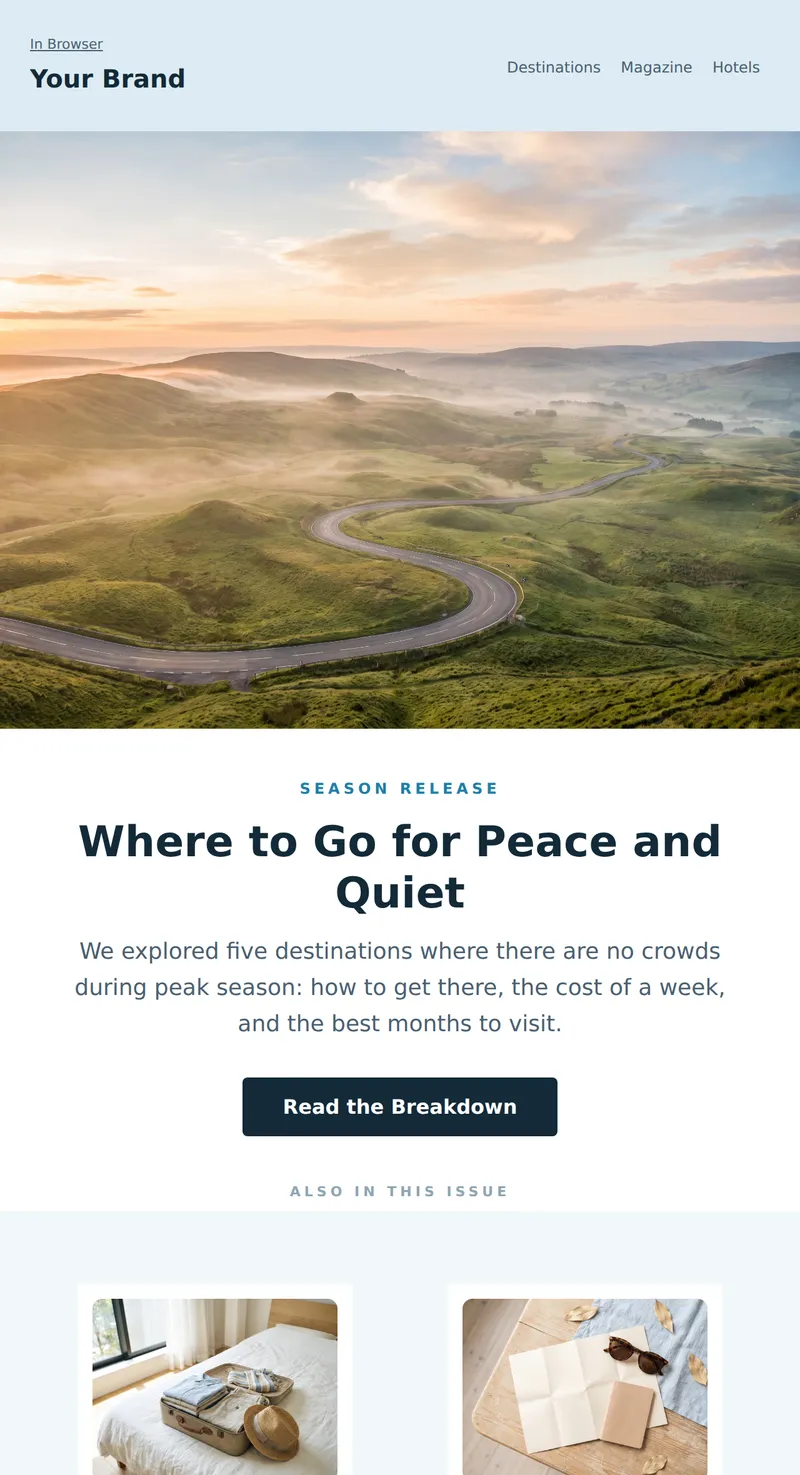
Seasonal Digest from the Travel Service: Main Destination Breakdown, Two Short Articles, and a Selection of Hotels with Prices.
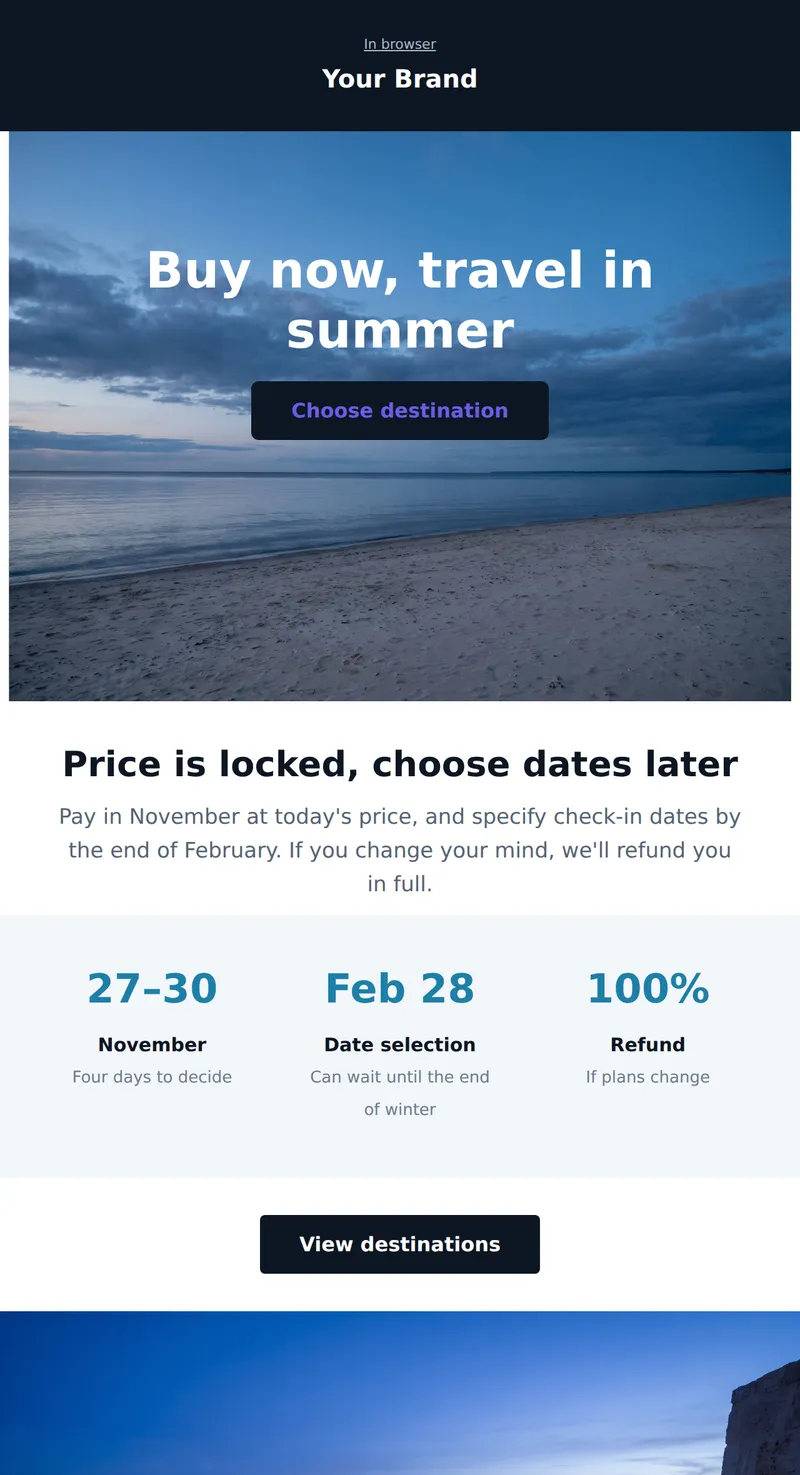
Promo for travel service: headline and discount over a coastal frame, no separate banner. Travel dates are flexible.
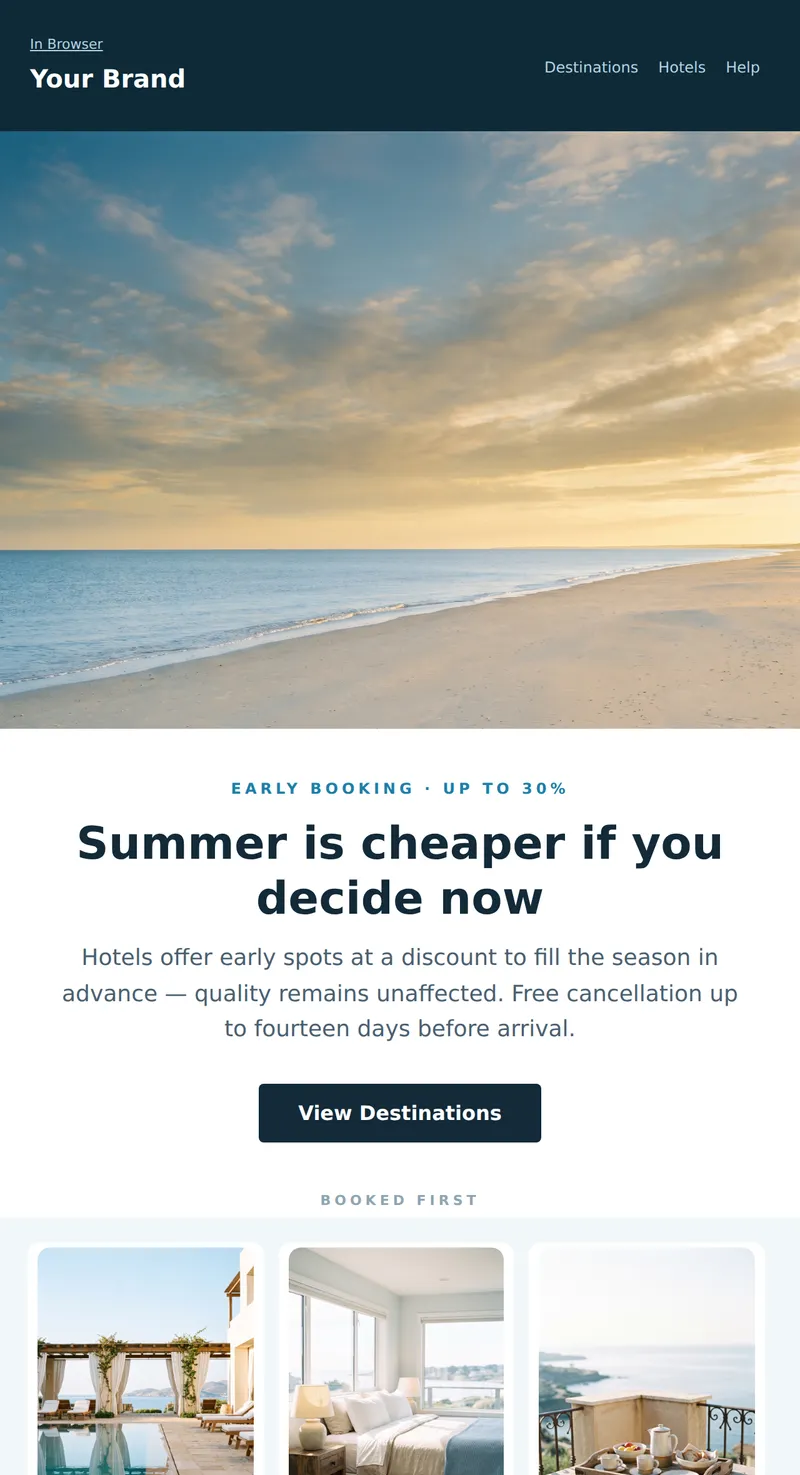
Hotel or Tour Operator Promo: Coastal shot, three destinations with prices and a straightforward explanation of why booking early is cheaper.
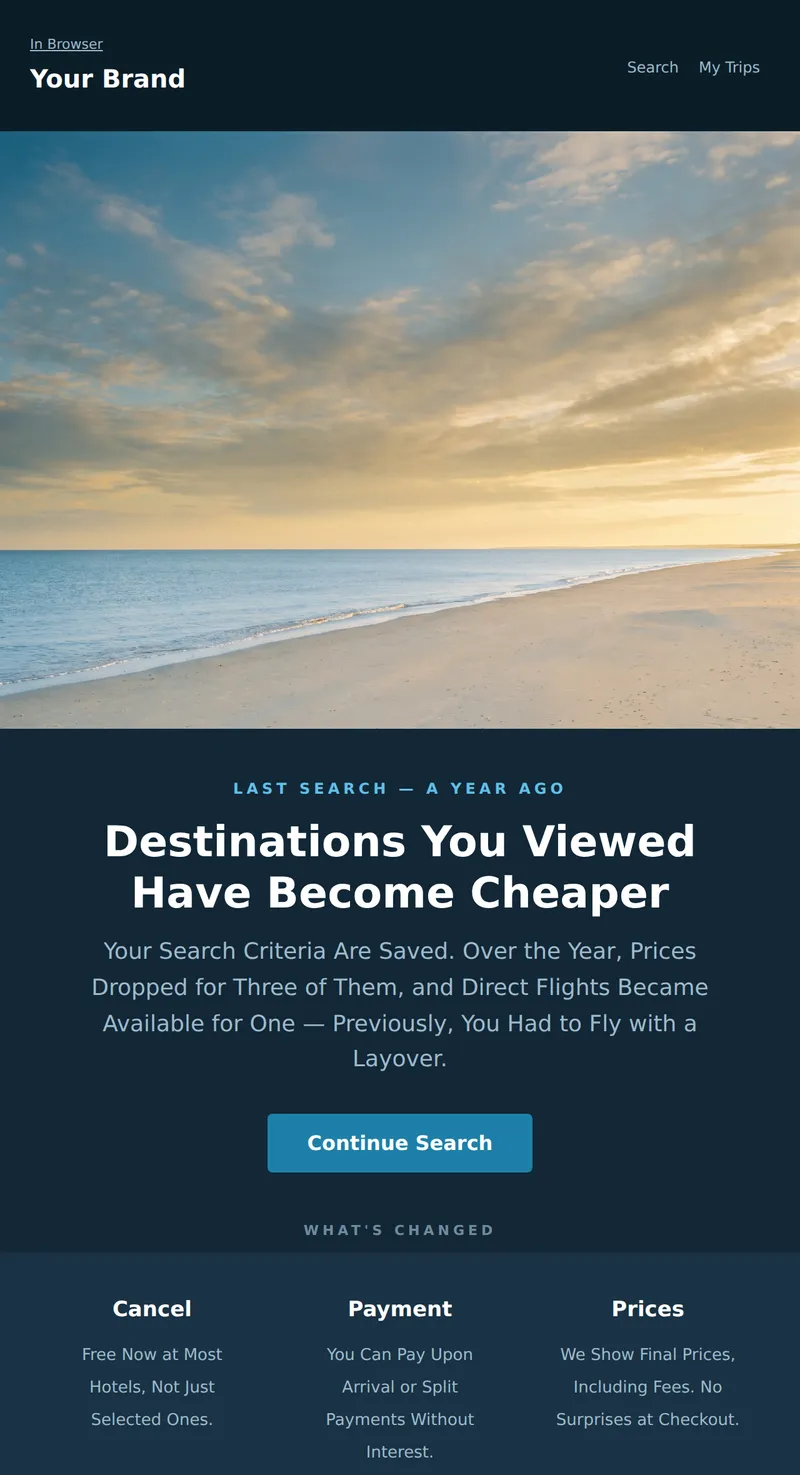
A Special Email for Those Who Haven't Booked in a While: What's New in Our Service and Destination Picks Based on Your Past Interests.
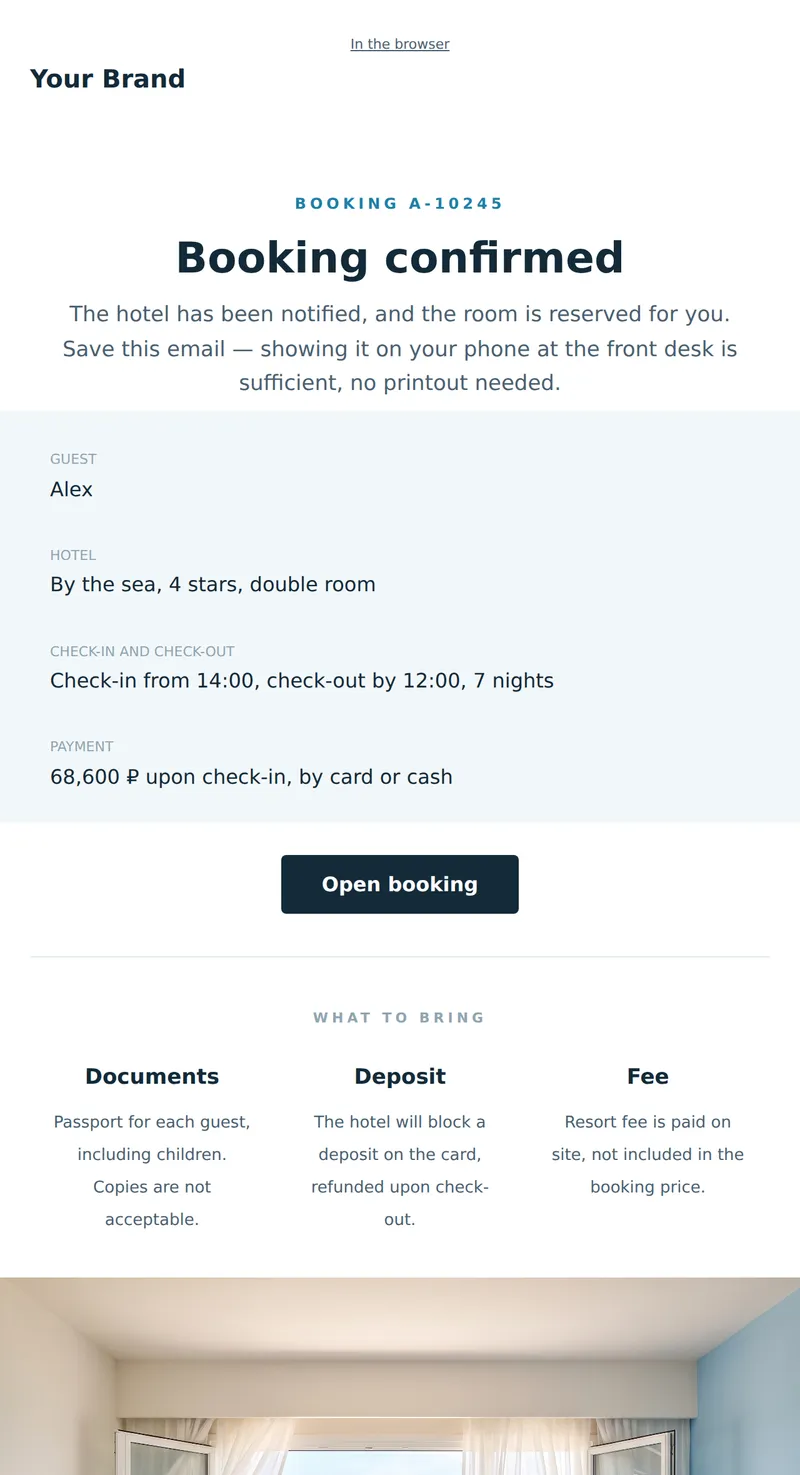
Service letter about booking: hotel, dates, what to bring, and cancellation policy. A letter to be opened at the front desk.
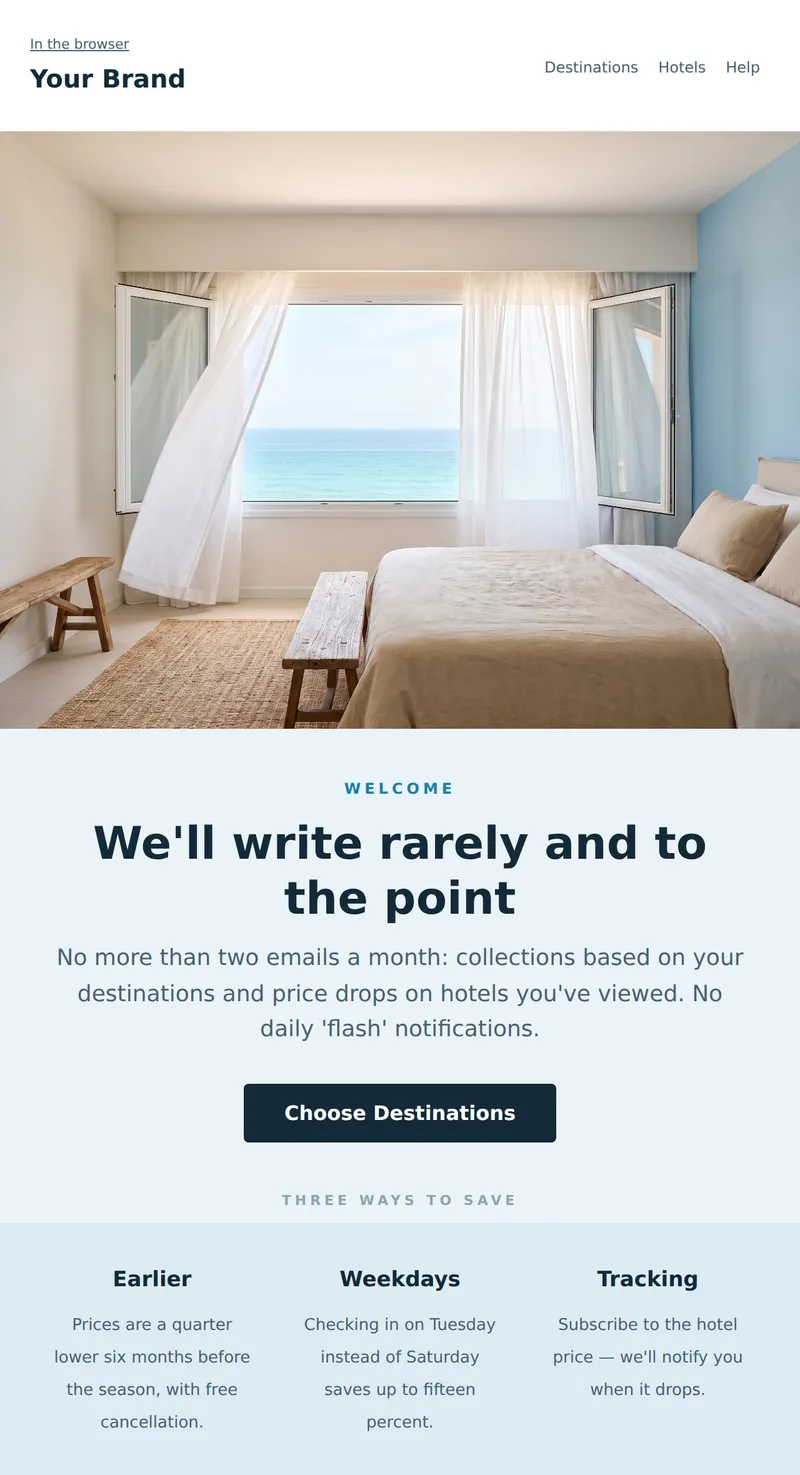
Welcome email from the travel service: what will be in the newsletter, how often, and three ways to save on your trip.
Why these emails matter
Travel is bought early and anxiously. The worry is not overpaying but getting it wrong: that the place will not match the photos, that cancelling will be impossible, that there will be extra charges on arrival. A beautiful coastline shot matters less than a direct answer to three questions — what the price includes, what happens if plans change, and when the documents arrive. Every template here puts those answers in the body copy rather than the small print.
How to choose a template
Promoting a season? The early booking template explains why booking sooner costs less, which defuses the suspicion of a fake discount. Building a list? The welcome email promises no more than two sends a month and keeps it. Running a newsletter? The destination digest. Three templates sit around the booking itself: the abandoned booking reminder, the win-back for dormant customers, and the confirmation a guest opens at the front desk.
Tips
- Say plainly that the price is not held. The customer finds out anyway, and hearing it from you costs less than hearing it on return.
- Put the cancellation terms in the body text. It is the first thing people look for and usually the one thing missing.
- List what is paid on arrival: city tax, deposit, insurance. An unexpected charge at check-in damages the stay more than the price did.
- Tell guests they do not need to print the confirmation. Half of them still do, just in case.
- Avoid the word «last-minute» as a headline. In travel it now reads as «we could not sell this».
Frequently asked questions
Are these templates free to use?
Yes. Open any template in the editor, replace the copy and images, then export the HTML or send it through your own provider.
Will the emails render correctly in Outlook?
Yes. The markup is table-based, with no flexbox or absolute positioning, and background images are duplicated in VML.
Do these work for a single hotel rather than an aggregator?
Yes. The destination grid becomes a room type grid and everything else works unchanged. A single hotel needs the confirmation email more than an aggregator does.
When should an early booking email go out?
Four to six months before the season. Later than that and the central argument — that deciding early is what makes it cheaper — stops being true.
