
Beautiful emails — no designer or developer needed
Build emails from drag-and-drop blocks or import a design from Figma or a screenshot. AI helps with copy, subject lines and layout — and you can make edits right in chat. Export clean HTML for any ESP. Built for marketers and agencies.
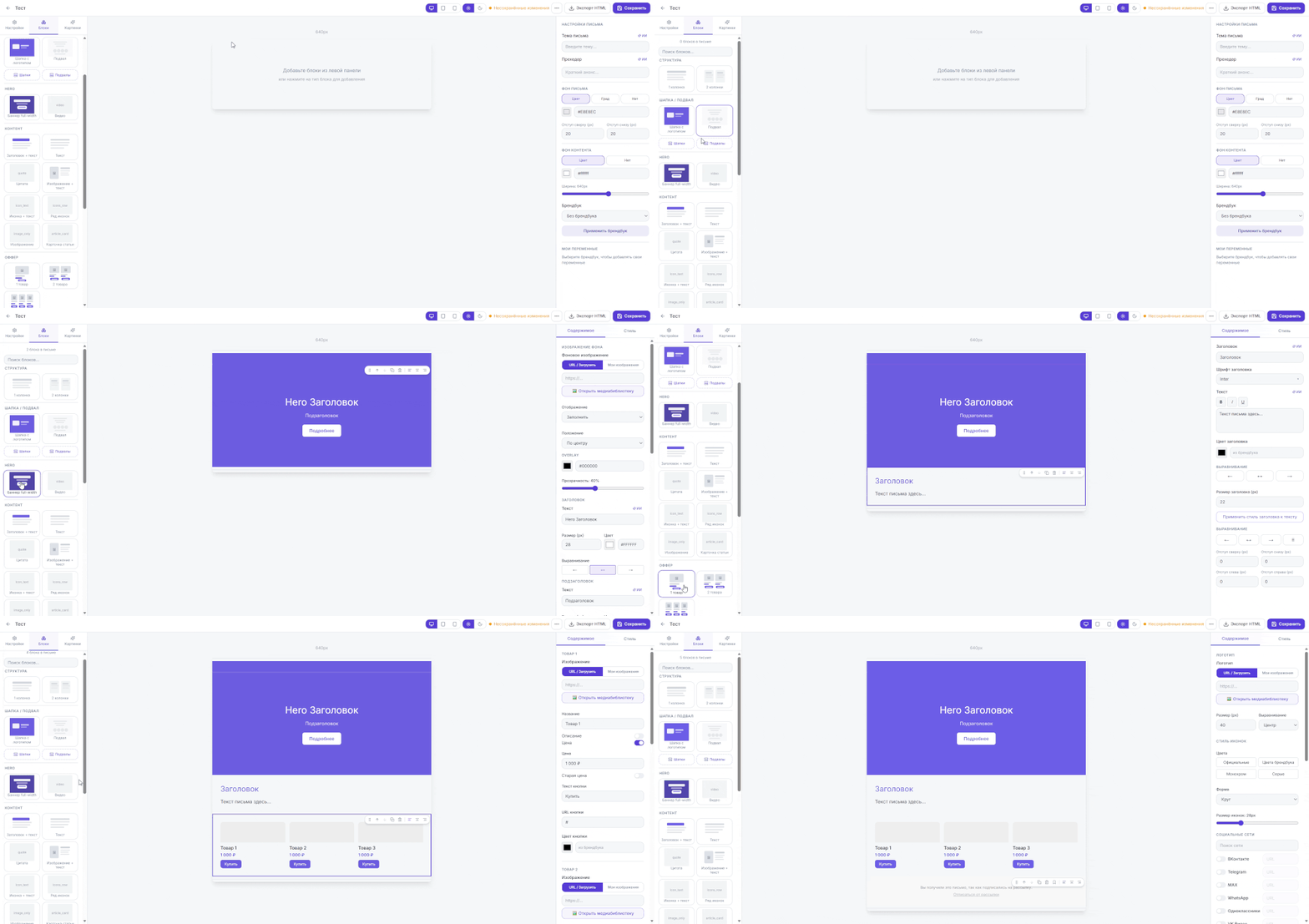
Here's what building an email looks like
Everything you need for on-brand emails
Drag-and-drop block builder
Assemble emails by dragging ready-made blocks — headers, buttons, images and tables. The HTML is generated for you.
AI copy and image generation
Generate email copy, headlines and images with AI right inside the editor. Edit anything you don't like.
Brand kit, auto-applied
Upload a brand book PDF — Mailvex reads your colors, fonts and logo and applies them to new emails automatically.
Works in every email client
Emails are built to client requirements, including Outlook, and adapt cleanly to mobile devices.
Clean HTML export
Export your finished email as HTML. Host images on Mailvex's servers or on your own domain.
Team collaboration
On the Agency plan, invite teammates with different access levels — full editing or view-only.
Import designs from Figma
Upload a Figma layout and Mailvex breaks it into blocks, pulls in banners and recognizes buttons. Just add your links.
Build from a screenshot
Upload a screenshot of an email and AI detects the structure and copy, assembling a draft from blocks you can refine.
Edit your email in chat
Describe the change in words — "make the button blue", "add a testimonial block" — AI previews it, you confirm. Undo in one click.
AI subject lines & review
AI suggests catchy subject lines and preheaders without spam words, and reviews your email to flag what to fix before sending.
Fill a template for your business
Pick a template, describe your business, and AI fills in copy that fits your niche — keeping the structure and styling.
Translation & multilingual
Translate an email into another language with one command — structure and styling stay intact. Perfect for multi-market campaigns.
Why Mailvex
Works in Outlook and on mobile
Emails are built to client requirements, including Outlook, and adapt cleanly to mobile devices.
Your brand, applied automatically
Upload a brand book PDF — colors, fonts and logo apply to new emails with no manual setup.
Clean HTML export
Take your finished HTML anywhere: Unisender, DashaMail, Mailchimp or any other ESP.
AI helps with copy and imagery
Generate email copy, headlines and images right in the editor, then tweak them to match your voice.
How it works
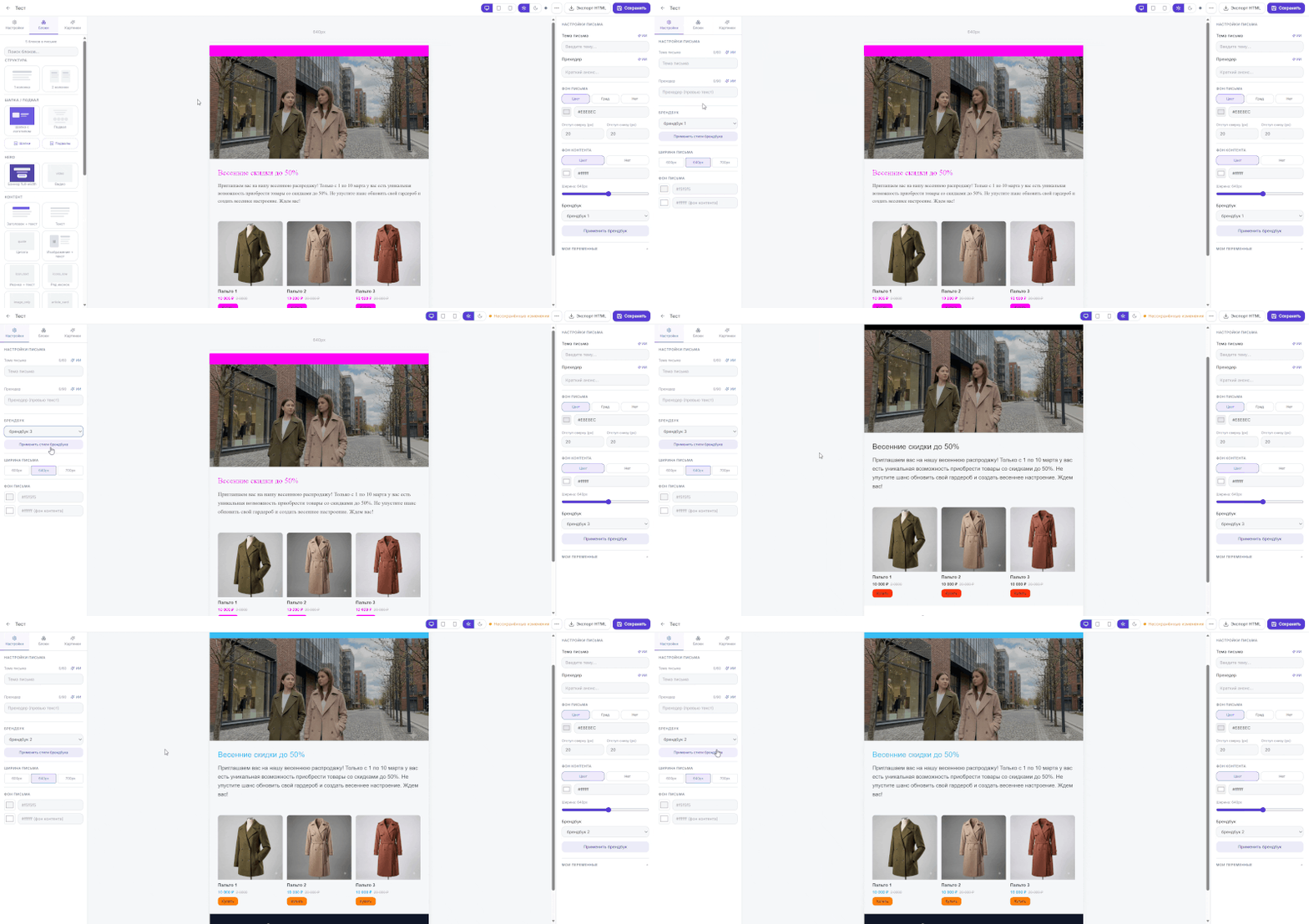
Apply your brand
Upload a brand book PDF, build a style through an AI-guided survey, or set it by hand — colors, fonts and your logo apply to emails automatically.
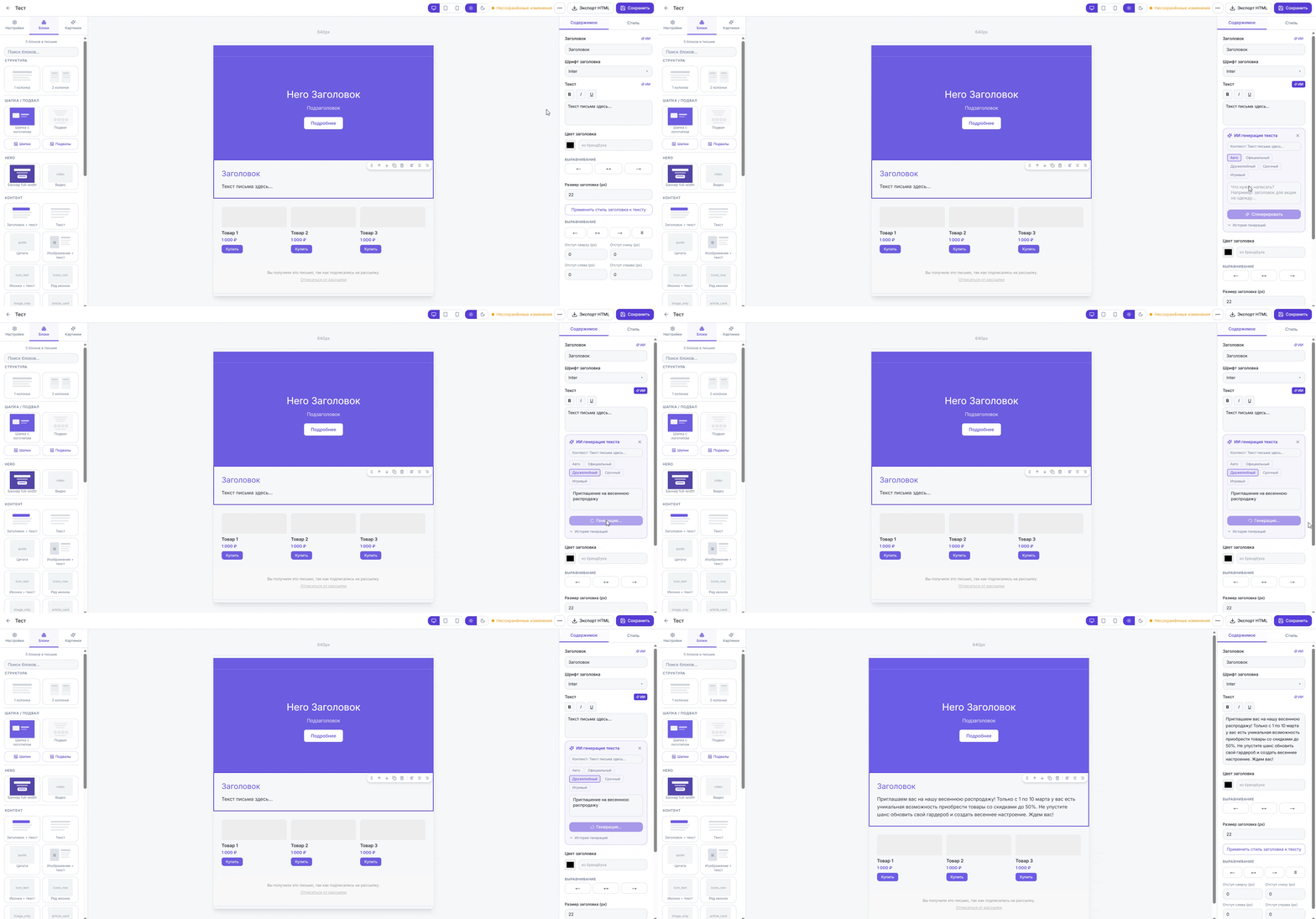
Build your email
Build from blocks, start with a template, or import a design from Figma or a screenshot. AI helps with copy and subject lines, and you can edit in chat.
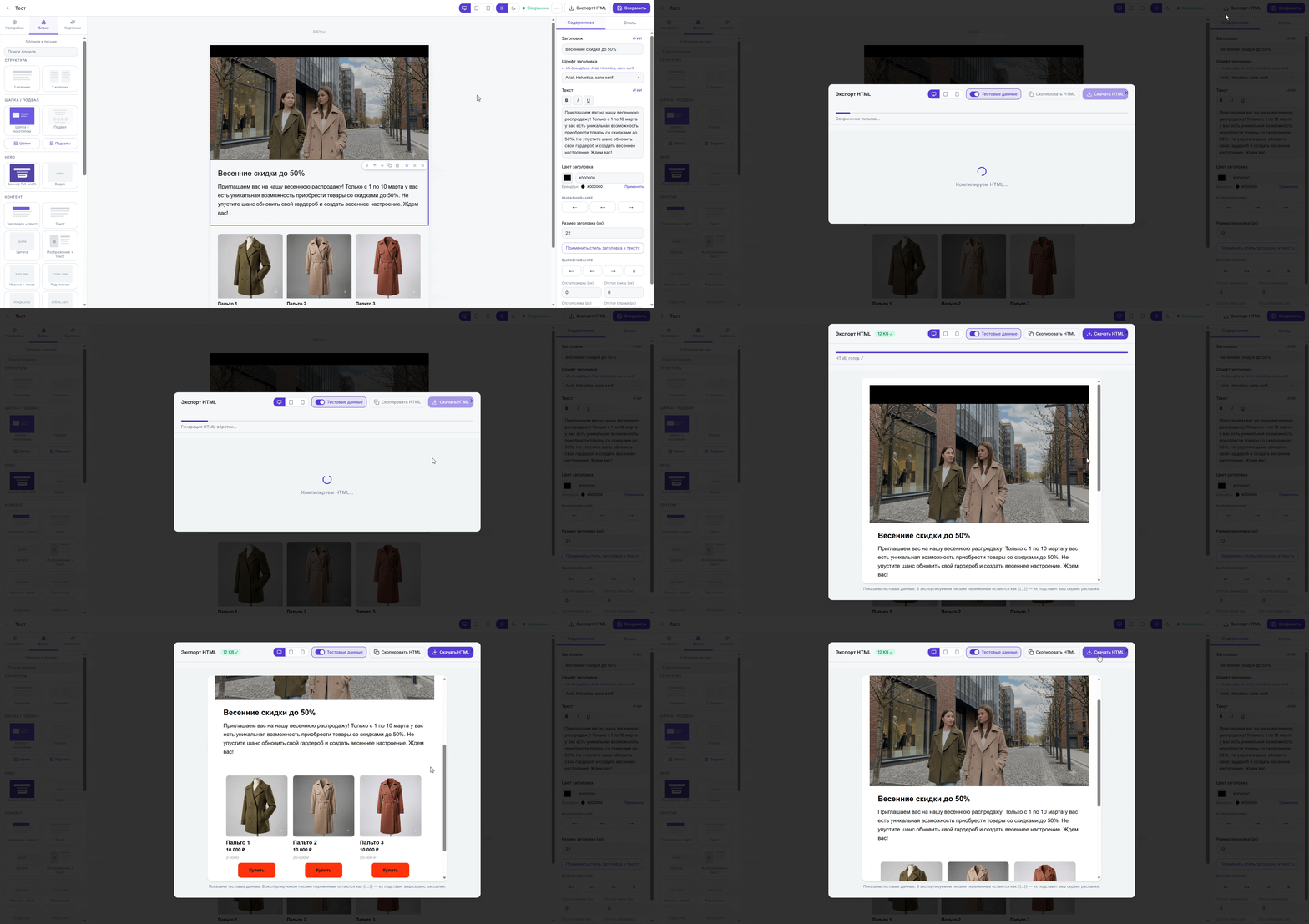
Export the HTML
Your finished email exports as clean HTML for any ESP. Host images on Mailvex's servers or on your own domain.
Who it's for
Marketers
Create on-brand campaigns on your own — no designer or developer required.
Email agencies
Speed up email production for every client.
Startups
Set up your brand style and tone of voice from day one.
