
7 templates: Kids & baby
Six email templates for children's clothing, toy and baby shops: a collection promo with sizing, a welcome email that asks for the child's age, an age-based digest, a cart reminder, a size-change note and an order confirmation with try-on at delivery.
Templates in this collection: 7
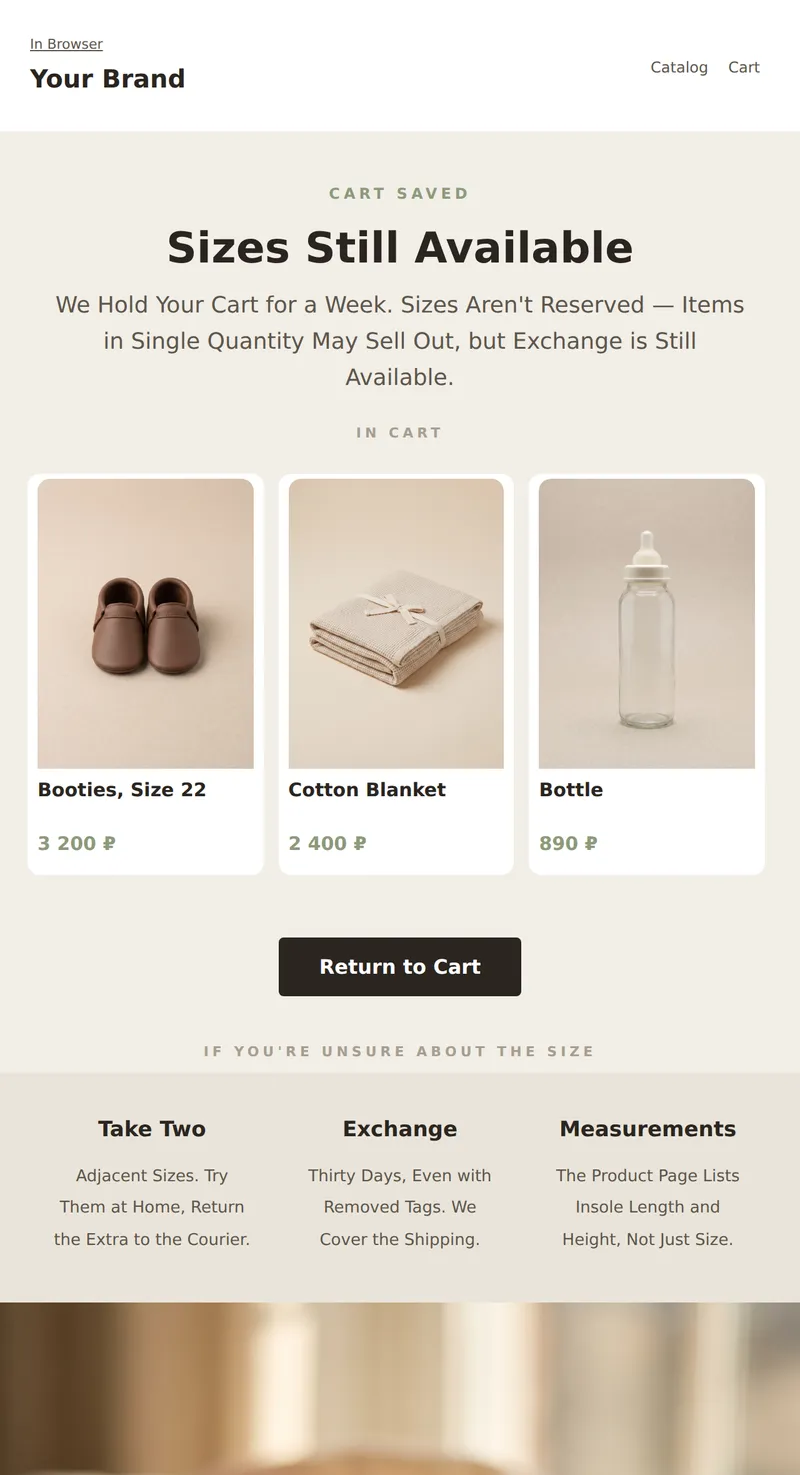
Abandoned Cart Email: What's Left, Size Exchange, and Reminder that Popular Sizes Sell Out First.
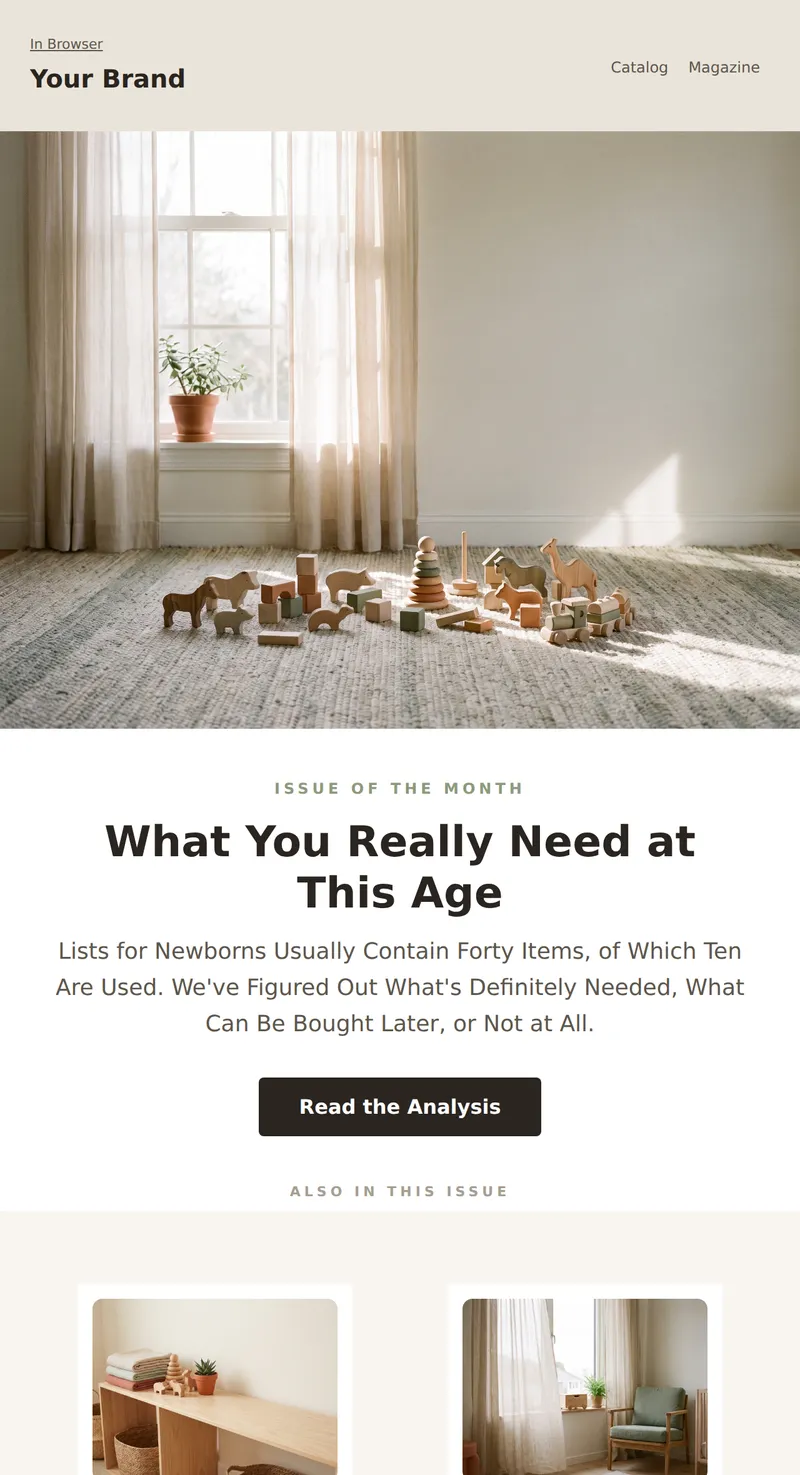
Children's Store Digest: What You Need at This Age, Two Short Articles, and a Selection of Products with Prices.
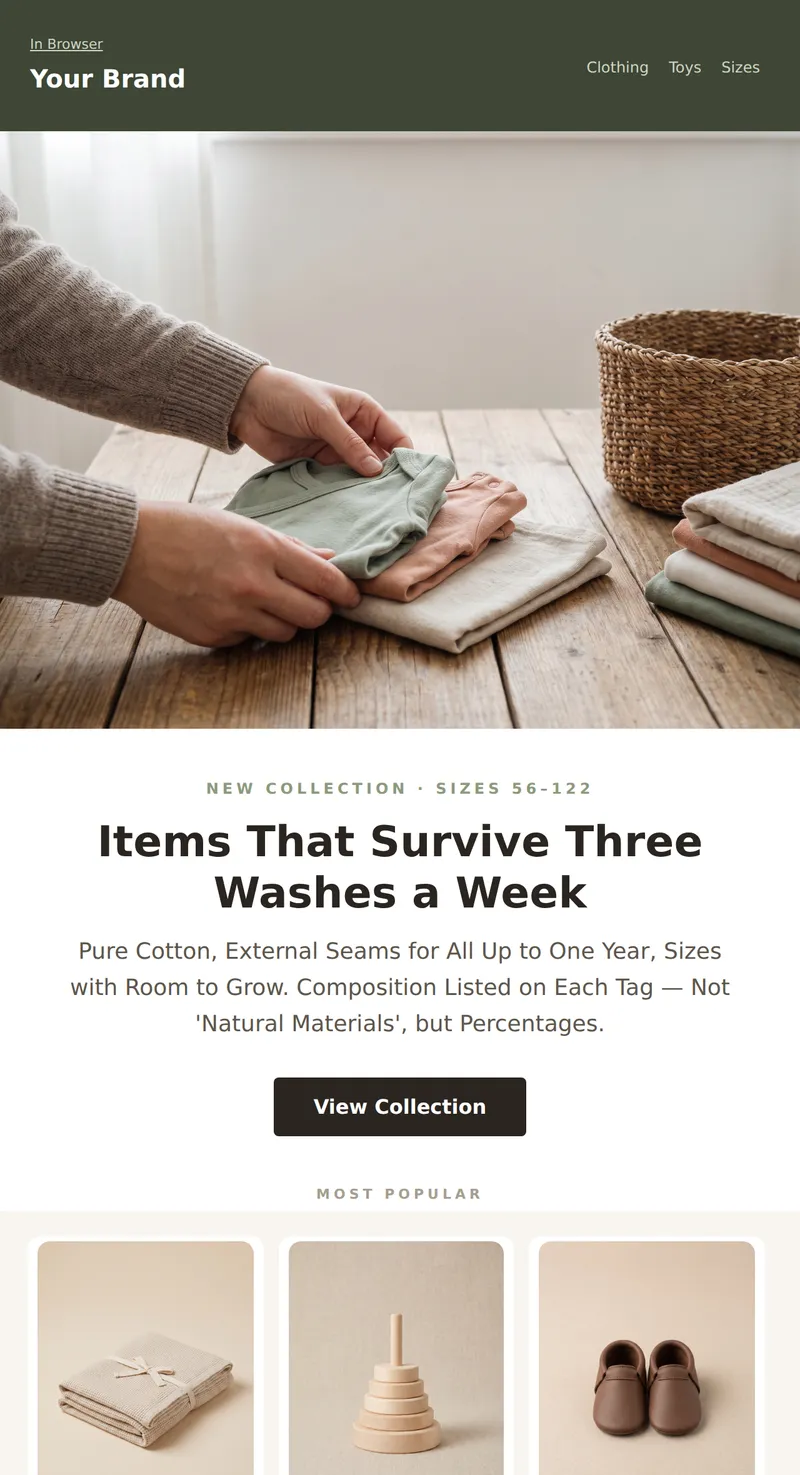
Kids' Store Promo: Three products with prices, fabric composition, and size exchange. Calm presentation without sentimentality.
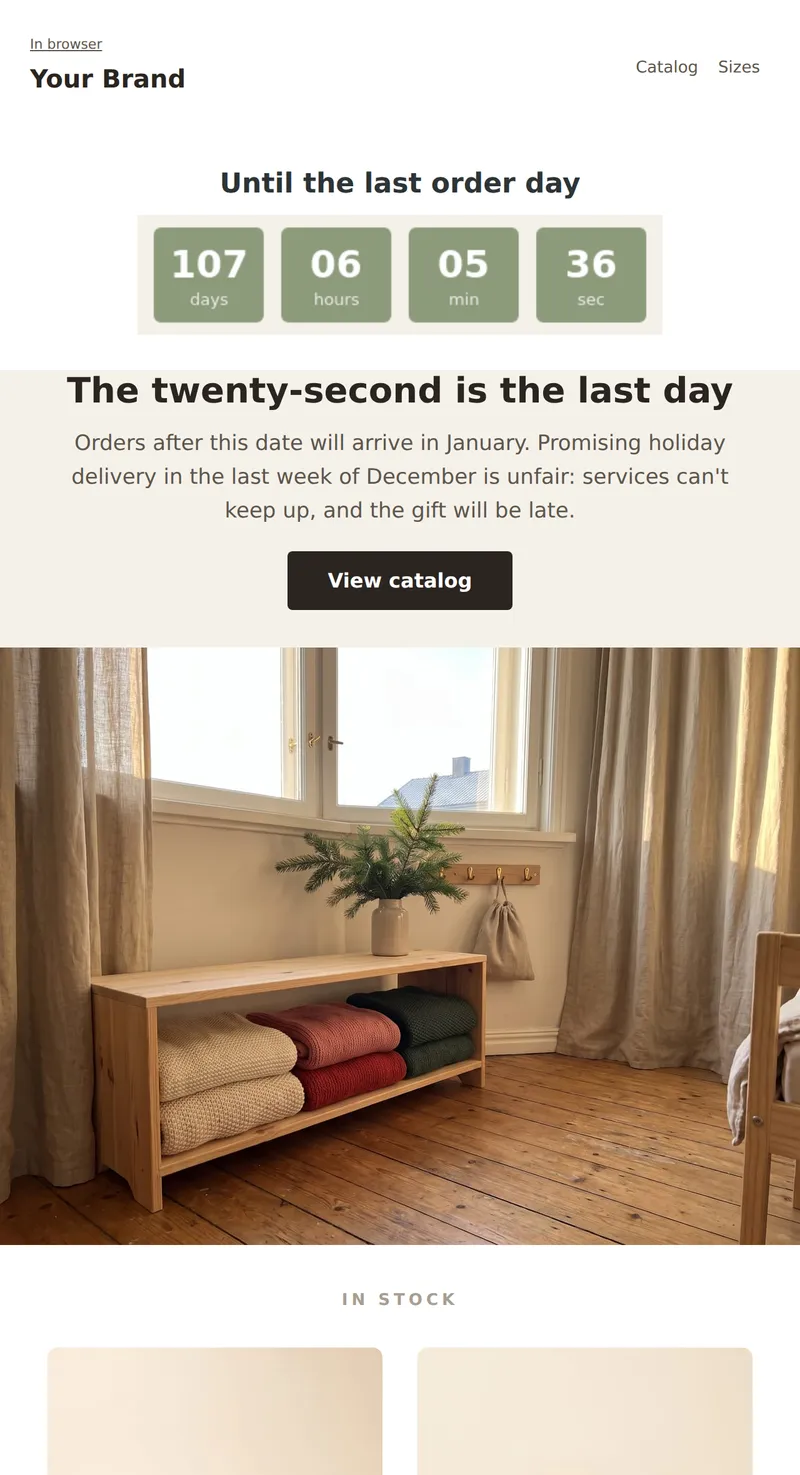
Children's store promo: live countdown to the last order day with guaranteed holiday delivery.
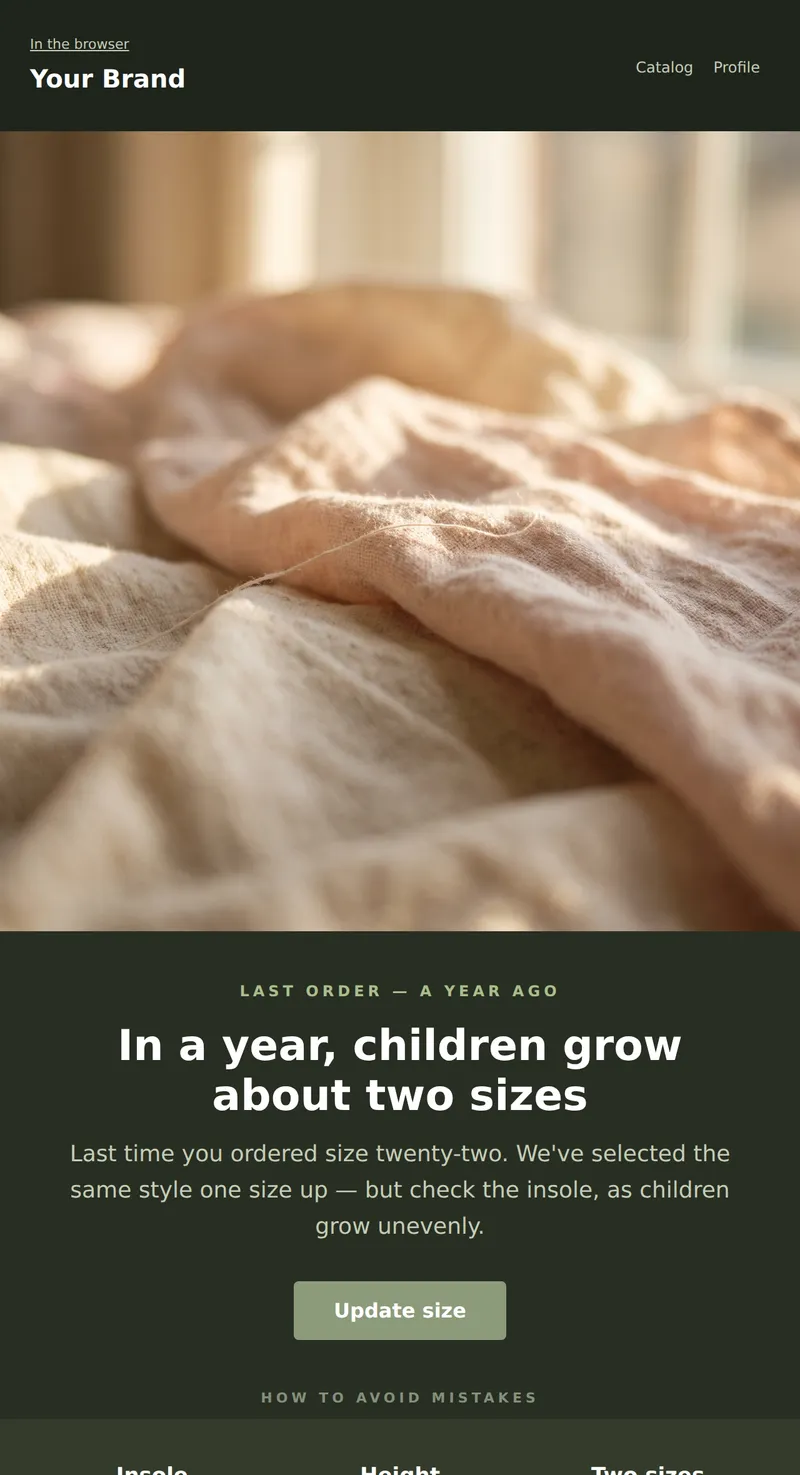
Dark reminder email: It's been a year since your last order, the size has likely changed. A selection one size up.
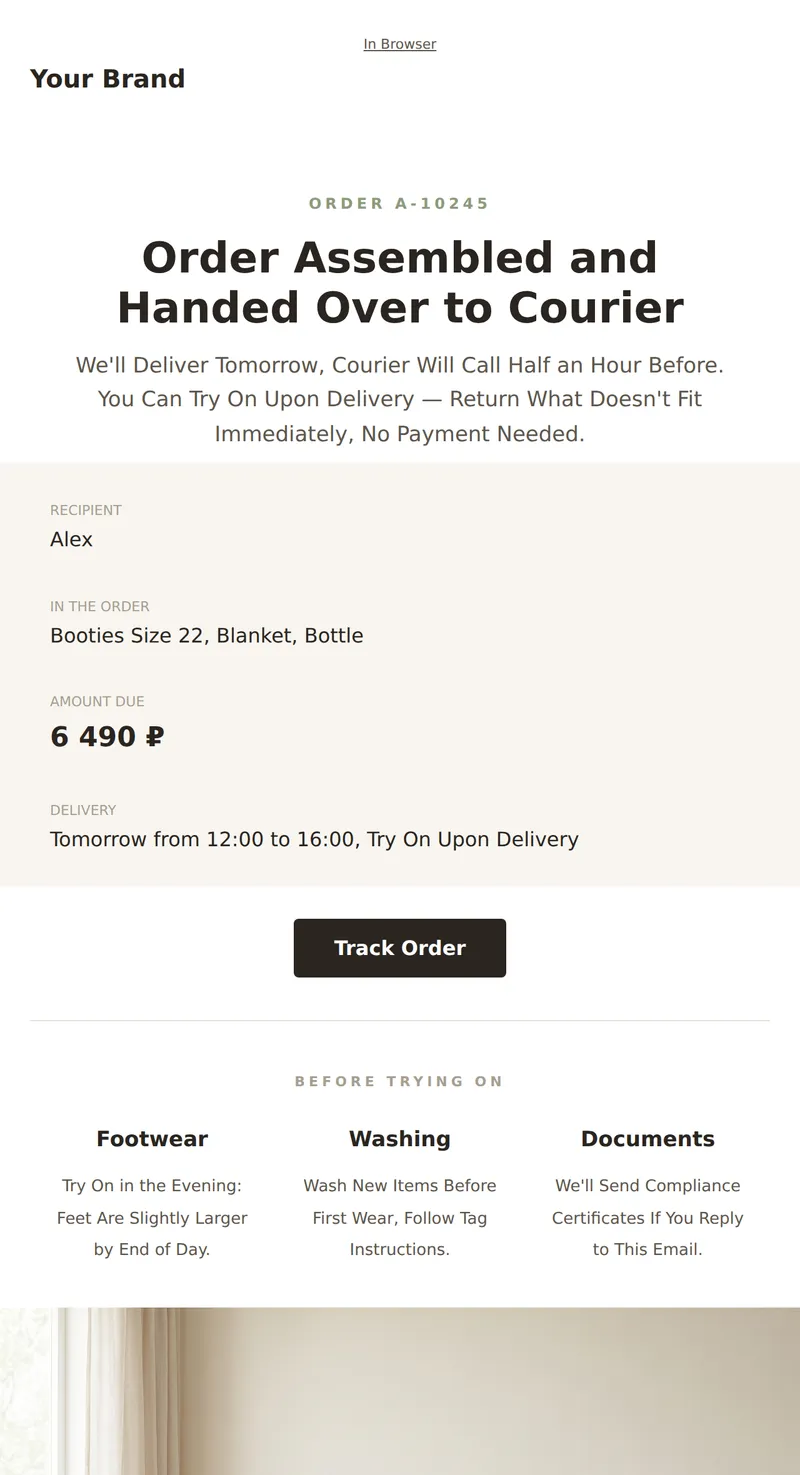
Service Letter About Your Order: Composition, Delivery, Exchange Conditions, and Reminder About Compliance Certificates.
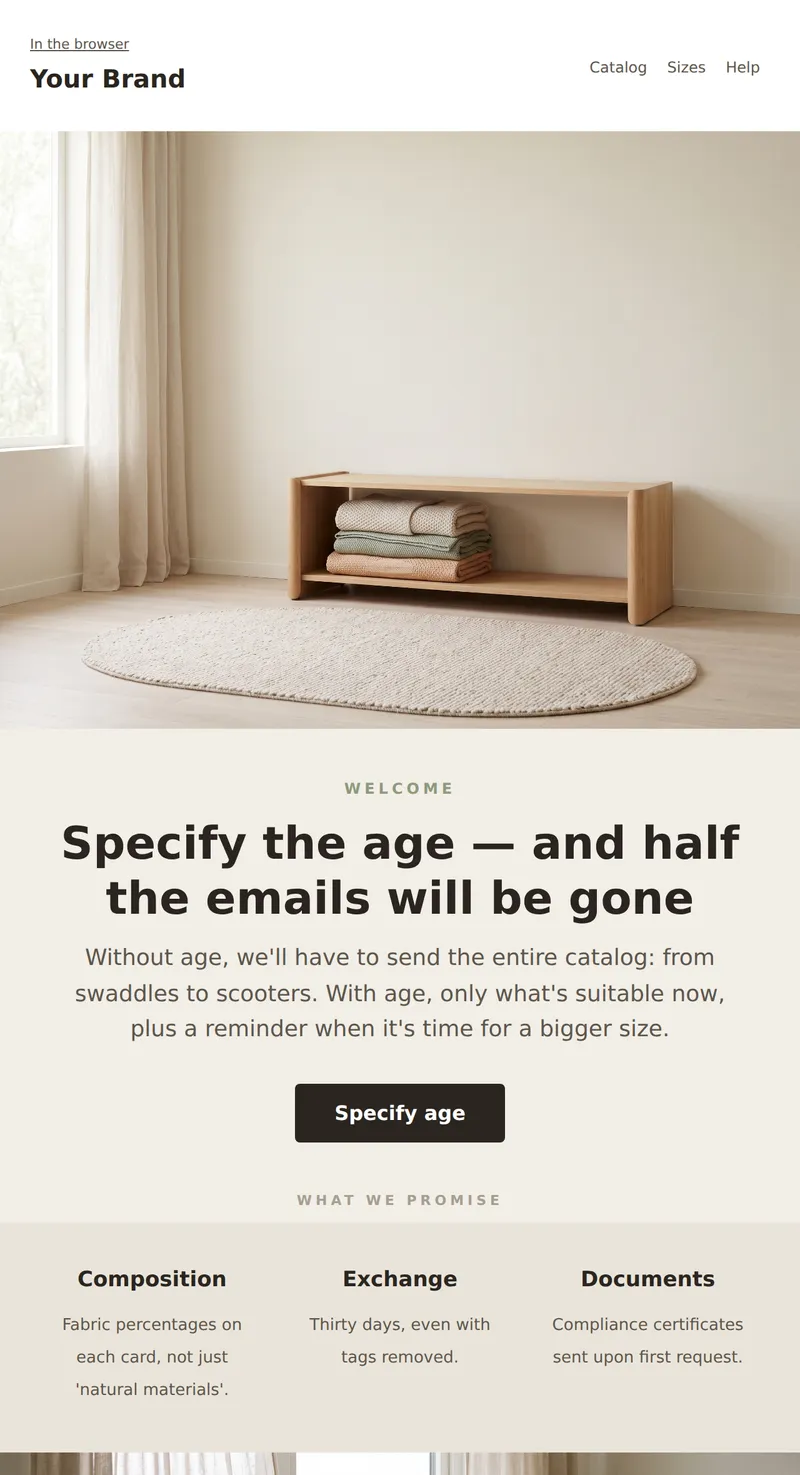
Welcome email from the children's store: age-based selections, three promises, and a request to specify the age to avoid unnecessary emails.
Why these emails matter
Children's goods sell differently for two reasons. First, the buyer is anxious and reads fabric composition, certificates and seams. Second, the product expires physically rather than in fashion terms — the child outgrows it in six months. Hence the two pillars of these templates: exact materials instead of the phrase «natural fabrics», and sizing treated as a subject in its own right, including a reminder email a year later.
How to choose a template
Promoting a collection? The promo template leads with sizing and exchanges. Building a list? The welcome email asks for the child's age — without it you have to send the whole catalogue from swaddles to scooters. Running a newsletter? The age-based digest. Three templates close the loop: cart, size-change reminder and order confirmation with try-on.
Tips
- Give fabric percentages, not «natural materials». Parents read the composition more carefully than the price.
- Allow exchanges with the tags cut off. With children's clothing they come off immediately and the usual rule fails.
- Ask for the child's age, not their size. Size expires within six months; age recalculates itself.
- State insole length and height in centimetres. Box sizes differ by two numbers between manufacturers.
- Do not put photographs of children in templates. Using one in your own campaign requires written parental consent — products and interiors do the same job without it.
Frequently asked questions
Are these templates free to use?
Yes. Open any template in the editor, replace the copy and images, then export the HTML or send it through your own provider.
Will the emails render correctly in Outlook?
Yes. The markup is table-based, with no flexbox or absolute positioning, and background images are duplicated in VML.
Why are there no photographs of children in these templates?
A deliberate choice. Using a child's image in a campaign requires written parental consent, which is an extra barrier for you. Products and interiors carry the same message without it.
Do these work for a toy shop?
Yes. The sizing grid becomes age marking and everything else works unchanged.
