
Gmail Clips Emails at 102KB: Why It Breaks Your Open Rate and How to Stay Under the Limit
What counts toward email weight and what does not
Mailvex · 9 August 2026 · 4 min read
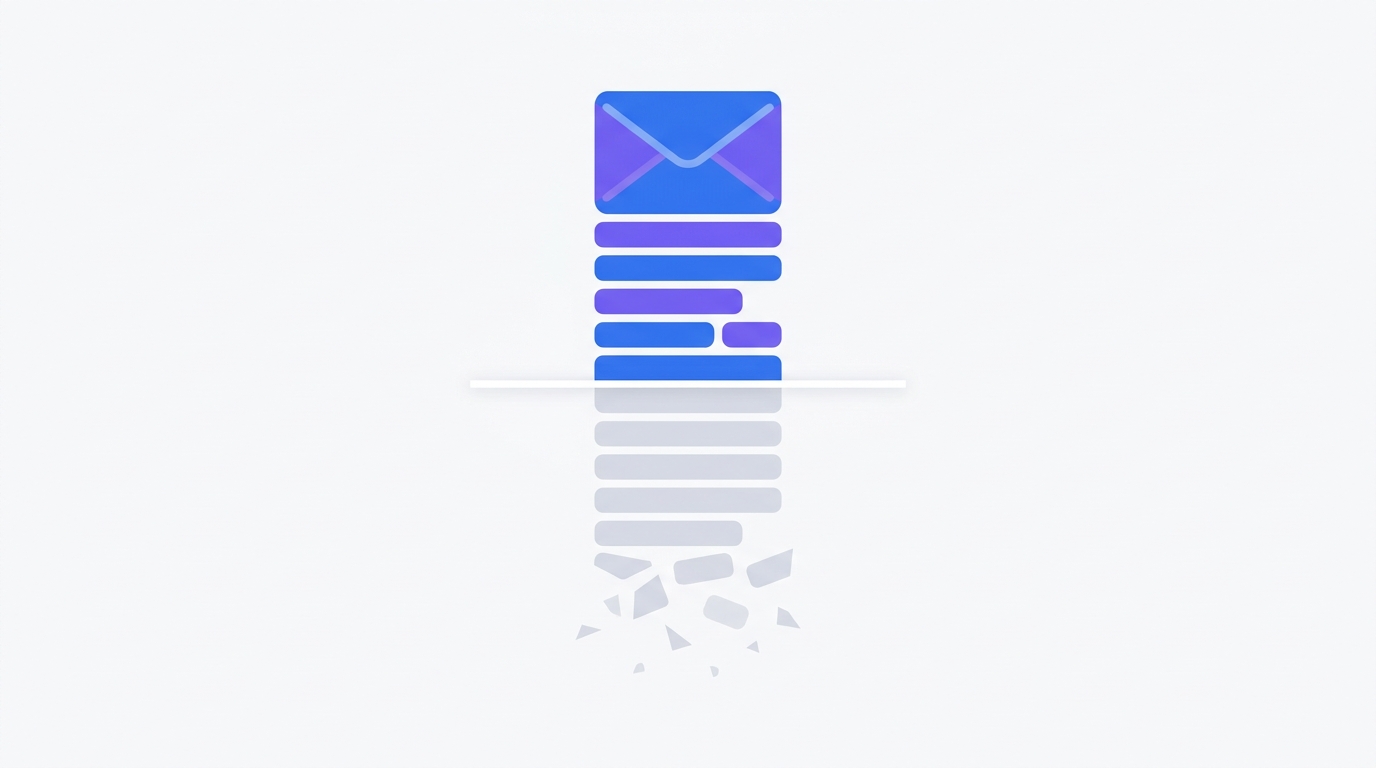
Gmail clips an email when its HTML exceeds 102 kilobytes: the remainder hides behind a "View entire message" link. The open-tracking pixel gets clipped along with the content, so your open rate stops being reliable. Here is what actually counts toward email weight, why the mobile limit is far stricter and how to cut the code without hurting the design.
What happens when an email is clipped
Gmail measures the raw HTML, not the rendered picture. Once it hits the threshold it simply cuts everything after it — not at a block boundary, but at a byte count. Mid-tag, mid-rule, wherever it lands. That is why a clipped email often looks broken rather than merely shortened: unclosed tags wreck the layout of whatever remains.
102KB
Mailchimp: the Gmail clipping threshold
The open-tracking pixel usually sits at the very bottom of an email. If the message is clipped, the pixel never loads and the open is never counted. Your report shows an understated open rate and you draw conclusions from wrong data.
The mobile limit is much stricter
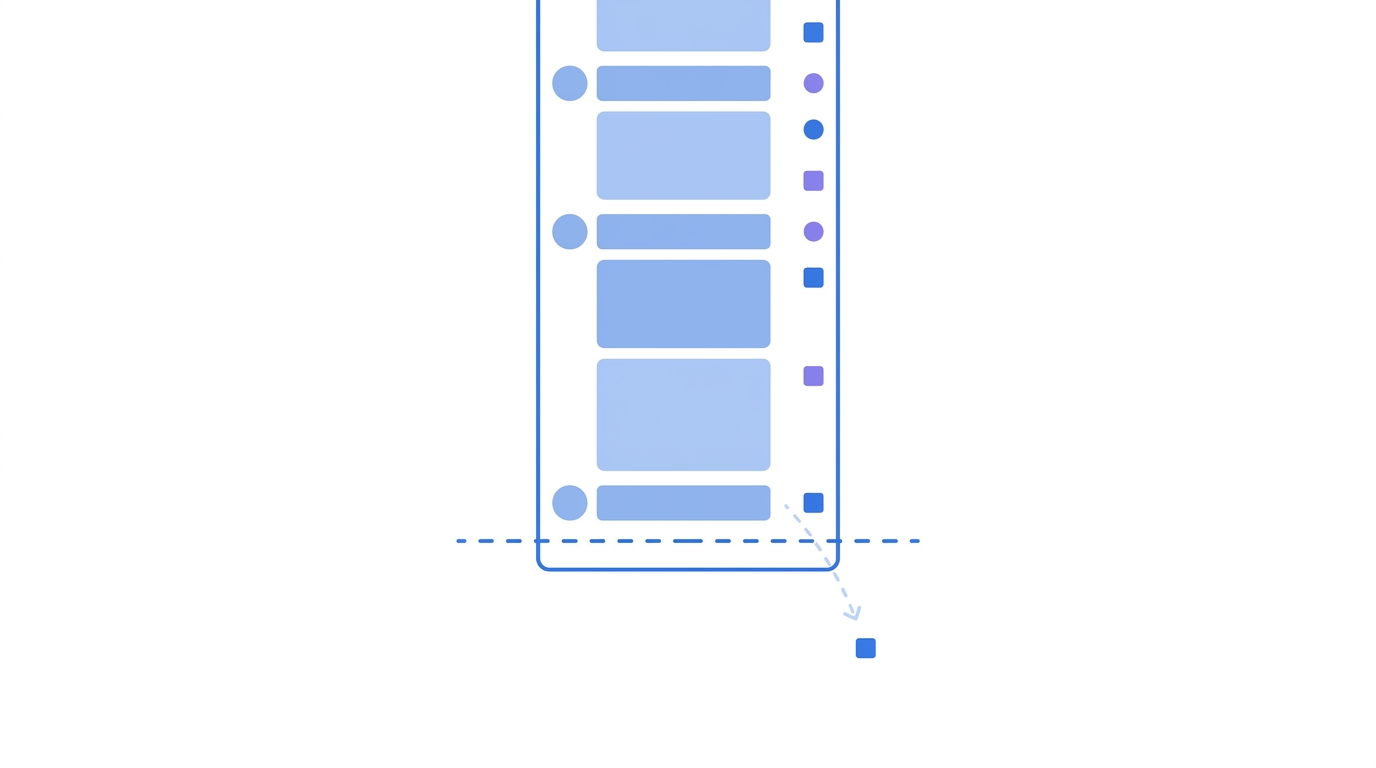
The 102-kilobyte figure applies to the desktop client. Mobile apps cut far earlier, and in the Gmail iOS app clipping can start at around twenty kilobytes — applied inconsistently at that.
| Where the email is opened | Clipping threshold |
|---|---|
| Gmail in a desktop browser | around 102KB |
| Gmail on Android and other mobile | around 75KB |
| Gmail app on iOS | around 20KB, inconsistent |
Practical takeaway: if a meaningful share of your list opens on a phone, your working target is not 102 kilobytes but something considerably smaller.
What counts toward the weight and what does not
This is where most people get it wrong. Only the code counts, not the images themselves.
- counts: all HTML, including tags, attributes and comments
- counts: inline styles and the contents of the style tag
- counts: image and link URLs, including long links with UTM parameters
- counts: tracking code your email service provider injects
- does NOT count: image files — they load from an external address
Hence a counter-intuitive consequence: an email with a dozen heavy photographs can sit comfortably under the limit, while an email with no images at all but long copy and bloated markup can blow straight past it.
What inflates an email most often
- the same inline styles repeated in every table cell
- text pasted from a word processor along with its formatting
- long UTM-tagged links duplicated on every button and image
- non-standard characters such as curly quotes and the copyright sign
- commented-out code left over from previous template versions
Non-standard characters deserve a separate mention. Each one takes several bytes rather than one, and across a long email the difference adds up.
How to cut the weight
- move repeated styles into the style tag, keeping inline only what compatibility requires
- shorten UTM-tagged links or use a short-link service
- delete commented-out code before sending
- replace typographic characters with HTML entities
- split very long emails into several issues
And one trick that saves your statistics even when clipping happens: move the open-tracking pixel to the top of the email rather than the bottom. The open then registers regardless of whether the message was cut.
Email on Acid recommend aiming not at the limit itself but at a margin: stay below eighty kilobytes. The reason is that your email service provider injects its own tracking code after you finish the layout, so the final weight exceeds what you saw in the builder.
How Mailvex handles this
The builder shows the email weight right in the editor and warns you as it approaches the limit. Styles are inlined only where compatibility demands it, repeated rules move into a shared block, and stray comments are stripped at compile time. UTM parameters are configured in one place instead of being pasted onto every link by hand.
Build an email in the editor and check its weight before you send.
Browse templatesFrequently asked questions
Does image file size affect clipping?
No. Images load from an external address and do not count toward the email weight. The image URLs do count, however, so long addresses with parameters still add bytes.
How do I check the weight before sending?
Send a test to your own Gmail address, open it and save the message as a file from the message menu. The file size is the figure you need. Many builders, Mailvex included, show the weight directly in the interface.
What does a subscriber see behind "View entire message"?
A version of the email from which Gmail strips the contents of the style tag. Part of the styling is lost there, so it is not a reliable fallback.
