
The Pre-Send Checklist: 20 Checks in 15 Minutes
What breaks most often and how to catch it before sending
Mailvex · 9 August 2026 · 5 min read
A sent email cannot be recalled, which makes a pre-send check cheaper than any fix afterwards. Below are twenty items in six groups: content, layout, links, technical limits, legal requirements and a final test. Working through them takes about fifteen minutes.
Why a list rather than memory
Checking from memory fails for the same reason pilots use written checklists: under time pressure people skip precisely what seems obvious. Email mistakes are almost always the same handful, and a list catches them better than attentiveness does.
Order matters: first the things you cannot fix after sending, then the ones that affect perception. A mistyped link is worse than uneven spacing.
Content and subject line
- a subject line without spam-trigger wording: FREE, URGENT, TODAY ONLY in capitals
- a preheader that is filled in and does not repeat the subject, or the inbox will show the opening text instead
- a recognisable sender name: the company, not an address like noreply
- personalisation verified: an email reading "Hello, {{name}}" goes out to the whole list as written
- the copy proofread: a typo in the subject line is seen by every recipient
On personalisation specifically. The most visible campaign failure is an unmerged variable. Test it by sending to an address with complete data and to one with empty fields.
Layout and compatibility
- email width 600 pixels — the safe standard across clients
- padding applied to table cells rather than blocks, or Outlook will drop it
- buttons clickable across the whole shape, not just the text
- fonts with system fallbacks
- the email readable in dark mode: logo visible, text contrasted
- images with alt text, since many clients do not load images by default
The images-off check is underrated. A large share of clients does not load images automatically, and an email whose entire message lives in a banner is blank for such a recipient. Turn image loading off in your own inbox and see whether the point still comes across.
around 46%
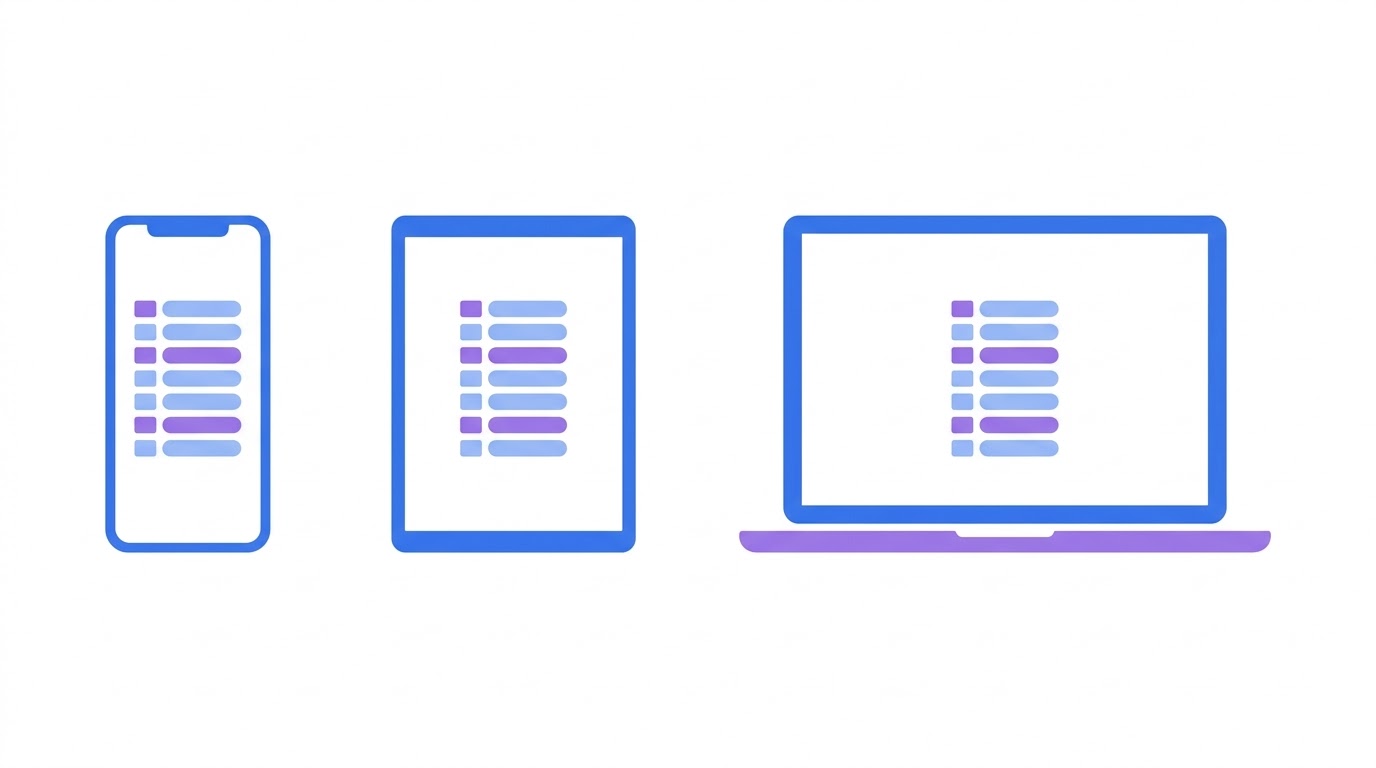
Litmus: Apple Mail share of email opensOn mobile specifically: most opens happen in Apple Mail and Gmail, and those are predominantly phones. Opening the test on a desktop and calling the check done is a common mistake.
Links and tracking
- every link opens and leads where intended
- UTM parameters present and consistently structured across all links
- the web version link works
- no leftover test addresses from the draft
Go through every link rather than a sample. A typo in one button destroys the email if that button was the main one.
Technical limits
- HTML weight under 100 kilobytes, beyond which Gmail clips the email
- the open-tracking pixel moved to the top of the email rather than the bottom
- commented-out code removed
- no links to local files or draft image addresses
102KB
Email platform documentation: the threshold beyond which Gmail clips an email
On weight, remember that your email service adds its own tracking code after you finish. Aim not at the limit itself but at a margin: stay below eighty kilobytes.
Legal requirements
- an unsubscribe link present and pointing to a working page
- sender details included as required by the law of your market
- the list collected with consent: purchased lists are illegal almost everywhere
- for a transactional email, confirmed that it carries no promotional blocks
Requirements differ by market: LGPD in Brazil, LFPDPPP in Mexico, personal data and advertising law in Russia. What they share is consent and a way to opt out.
A final test to yourself
The last step is sending the email to yourself and opening it in three places that represent three different rendering behaviours.
- Apple Mail on a phone — the single most common client
- the Gmail app on a phone — aggressive inversion in dark mode
- Outlook on a desktop — the old rendering engine, catches layout problems
If the email is correct in those three, it is almost certainly correct everywhere else. The remaining clients behave more gently.
| What to check | How to check | What you want |
|---|---|---|
| Email width | look at the container setting | 600 pixels |
| HTML weight | save a test email as a file | under 100KB, ideally under 80 |
| Dark mode | open on a phone in dark mode | text readable, logo visible |
| Images off | disable image loading | the email still makes sense |
| Links | click every one | all open, UTM parameters present |
| Buttons | open in Outlook | the whole button is clickable, not just the text |
| Unsubscribe | find the link | present and working |
| Mobile view | open on a phone | nothing shifts, font 14 pixels or larger |
Mailvex handles part of this list for you: email weight shows in the editor, buttons compile with an Outlook fallback, padding goes on table cells, and a validation panel flags empty alt text and broken links.
The preview toggles between light and dark and between desktop and mobile, so three of the six groups are covered without leaving the editor. A test send to your own address is one click.
Build your email in a builder with checks built in.
Browse templatesFrequently asked questions
How long does a full check take?
About fifteen minutes for an email of average complexity if you follow the list. The first few runs take longer, then the order sticks. That is nothing against the cost of fixing a mistake after it reached the whole list.
Do I have to test in Outlook if few of my subscribers use it?
It depends on the audience. In business-facing campaigns the Outlook share runs higher than the market average, and that is where corporate customers sit. Check open statistics from your own list rather than market-wide figures.
What should I do if I spot a mistake after sending?
You cannot recall the email. If the mistake is critical — a broken main link or a wrong price — send a short correction to the same recipients. If it is cosmetic, say nothing: a second email draws more attention to the error than the error does.
