
Email Deliverability: Five Thresholds Where Problems Begin
Why emails land in spam and what actually influences it
Mailvex · 9 August 2026 · 6 min read
Whether an email reaches the inbox is determined by recipient behaviour and sender reputation rather than by content. Mailbox providers watch five metrics, each with a threshold: complaints under 0.1%, bounces under 2%, unsubscribes under 0.5%. Below is what crossing each one means and how to recover when deliverability falls.
What actually determines deliverability
The first thing to understand: the words in an email barely matter. The belief that the word "free" sends an email to spam is about fifteen years out of date. Filters stopped judging text and started judging behaviour long ago.
The provider logic is simple. It observes what recipients do with your mail: open it, reply, file it, delete it unread, complain. Those signals build a sender reputation, and that reputation decides where the next email lands.
An uncomfortable consequence follows: deliverability cannot be fixed by editing an email. Once reputation is damaged, a perfectly built email goes to spam exactly as a bad one does.
Five thresholds
The thresholds below are not recommendations but boundaries where provider behaviour changes. You need to stay under each of them, not under their average.
| Metric | Threshold | What exceeding it means |
|---|---|---|
| Spam complaints | under 0.1% | one complaint per thousand is already the limit |
| Bounces | under 2% | the list is stale or was collected badly |
| Unsubscribes | under 0.5% | expectations do not match the content |
| Share of inactive contacts | under 30% | time to clean, or it drags everyone down |
| Growth in send volume | under 30% per week | a sharp jump looks suspicious |
Note the last row. A sharp rise in send volume is a signal in itself, even when every other metric is fine: the provider has no way of knowing where ten times as many addresses suddenly came from.
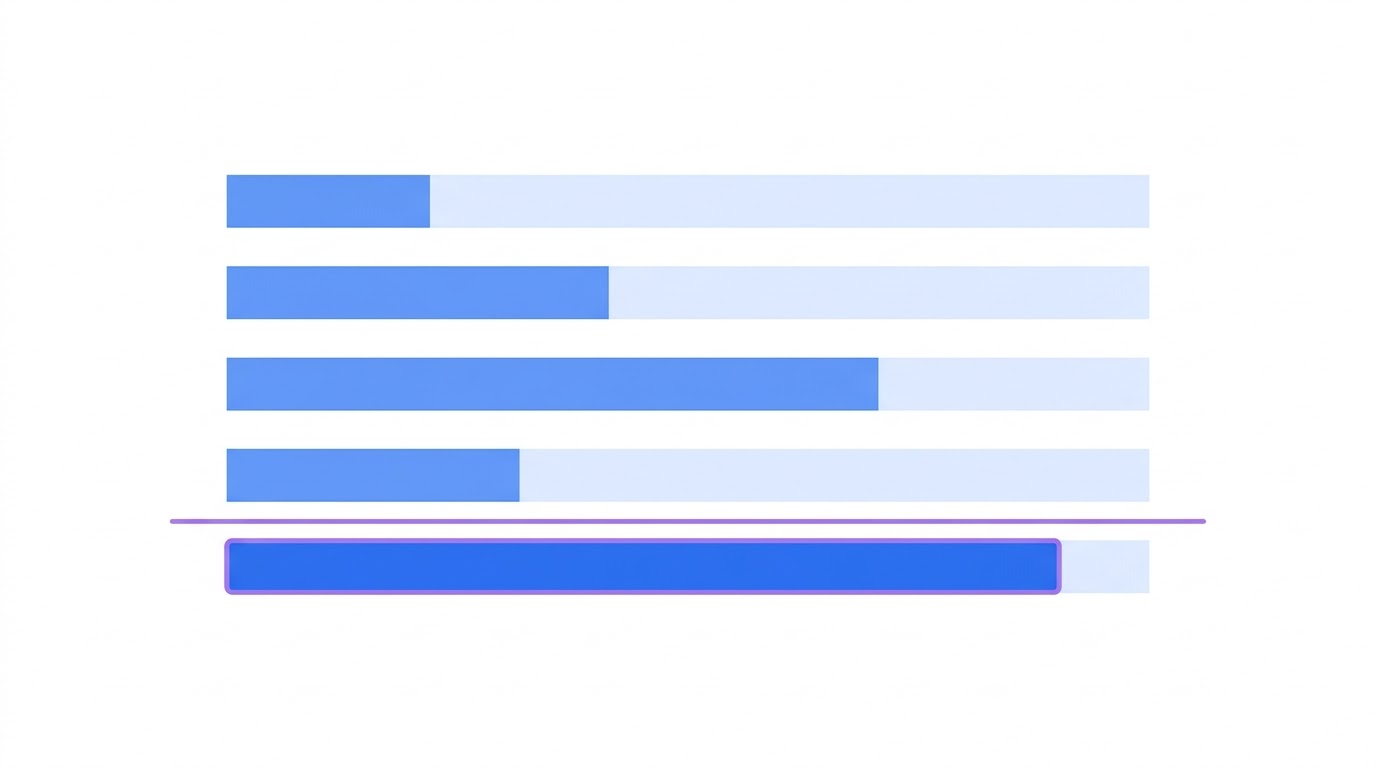
Spam complaints are the critical one
Of all five thresholds this is the strictest and the fastest in its consequences.
One complaint per thousand emails is already the limit. Crossing it affects not that campaign but every subsequent send, including the transactional emails people are waiting for.
The mechanism is not obvious: people complain not because an email is bad but because they do not remember where it came from, or could not find the unsubscribe link. Complaints are often caused by missing context rather than by content.
- a visible unsubscribe link rather than one hidden in small print in the footer
- a line explaining where this newsletter came from: "you subscribed on our site in March"
- a recognisable sender name — the company, not an address like noreply
- a frequency matching what was promised at signup
- segmentation: an irrelevant email draws a complaint more often than an unsubscribe
A paradox worth accepting: a rise in unsubscribes is sometimes good. Someone who unsubscribes instead of complaining preserves your reputation. Hiding the unsubscribe link trades unsubscribes for complaints, which is a bad trade.
Bounces
A bounce means the email did not arrive. There are two kinds and they need different handling.
A hard bounce means the address does not exist. Such addresses must be removed automatically after the first attempt. Sending again to a non-existent address is a direct signal that the list was assembled carelessly.
A soft bounce means a full mailbox, an unavailable server, a rejection for a reason that may change. Those addresses get removed after several consecutive failures rather than immediately.
A high bounce rate nearly always means one of two things: the list is old and has not been cleaned, or the addresses were collected without confirmation and some contain typos or were entered deliberately wrong.
Ramping up volume
A sharp rise in volume is an underrated cause of trouble. The typical situation: a company sent a thousand emails a month for years, then launched a sale and sent fifty thousand in a day.
To a provider that looks suspicious regardless of list quality. A sensible growth rate is no more than a third above the previous volume per week. If a large campaign is coming, ramp the volume up in advance rather than on the day.
The same applies to a new domain or a new sending service. Start with the most active part of your list — those who open and click regularly — and widen the circle gradually.
Domain configuration
Domain configuration is the one part of deliverability you set up once and then leave alone.
- SPF: lists the servers allowed to send mail on your behalf
- DKIM: signs your emails, confirming they were not altered in transit
- DMARC: tells providers what to do with mail that fails the checks
- a separate subdomain for campaigns so problems do not touch your business mail
- a separate subdomain for transactional email so promotions do not drag it down
The first three are mandatory — without them a significant share of your mail will not arrive at all. The last two are optional but spare you the situation where a failed promotional campaign sends password resets to spam.
What to do when it drops
If deliverability drops, work in this order. First establish what changed: a new sending service, a new segment of the list, a sharp rise in volume, a change in content.
- immediately reduce volume to the level you sent at when deliverability was fine
- exclude every address that has not opened anything in six months
- check SPF, DKIM and DMARC — they often break during a hosting change
- look at where new addresses came from over the past month
- send only to the most active part of the list for two or three weeks
- widen the circle gradually while watching complaints
Recovery takes weeks rather than days. Reputation accumulates slowly and is lost quickly — an asymmetry you have to plan around.
And a note connecting to other material: open rate as a metric is distorted by mail privacy protection, but it remains useful for judging deliverability. Not the absolute value but the trend: a halving in a week means an inbox placement problem rather than weak subject lines.
In Mailvex the unsubscribe link is added to the footer automatically and the validation panel flags its absence before sending. Email weight is visible in the editor, which helps avoid the clipping limit, and tag profiles insert personalisation variables without hand-editing code.
Build an email with a correct footer and unsubscribe.
Browse templatesFrequently asked questions
Is it true that the word "free" sends an email to spam?
No, that belief is about fifteen years out of date. Modern filters judge recipient behaviour and sender reputation rather than individual words. An email containing "free" from a sender with good reputation arrives normally.
What should I do first if emails start landing in spam?
Reduce volume and send only to the most active part of your list for two or three weeks. In parallel, check SPF, DKIM and DMARC — they often break during a hosting or provider change.
Do I need a separate subdomain for campaigns?
Not mandatory, but useful. It isolates problems: a failed promotional campaign will not drag password resets and order confirmations into spam, and those are the emails people wait for and your service depends on.
