
Email for SaaS: Nine Emails That Fight Churn Rather Than Sell
Why here an email does not persuade, it delivers people to value
Mailvex · 9 August 2026 · 6 min read

A SaaS product needs nine emails, and none of them persuades anyone to buy. The product sells; the emails deliver people to the moment value becomes obvious and hold them afterwards. Below is the lifecycle map and a look at the two places where most users are lost.
How SaaS differs from everything else
The first difference is fundamental. In retail an email participates in the sale directly: it showed the product, it drove to the cart. In SaaS the sale happens inside the product, when someone gets a result. The email only delivers them to that moment.
Hence the shift: almost every email goes to people who already signed up. Promotional campaigns in the classic sense barely work here, because persuading someone who has not tried the product is pointless.
The second difference is that payment repeats. A store sale happens once; a SaaS sale happens monthly, and every occurrence is a potential loss point. Hence a whole group of billing emails that exists nowhere else.
The third is that churn is measurable and visible in advance. Nobody cancels suddenly: first they stop logging in. That creates a chance to intervene before cancellation, which other industries simply do not have.
A map of nine emails
| What triggers it | Job | |
|---|---|---|
| Signup confirmation | account creation | verify the address, give a first step |
| First action | a day without activity | get them to the key action |
| Onboarding series | as they progress | introduce features one at a time |
| Cooling signal | a drop in activity | win back before abandonment |
| Trial ending | 3 days before and on the day | take the decision off autopilot |
| Payment and renewal | on the billing schedule | warn before the charge |
| Failed charge | a declined payment | recover payment before suspension |
| Product updates | on releases | remind them the product is alive |
| Winning back churned users | a month after cancellation | return with a new reason |
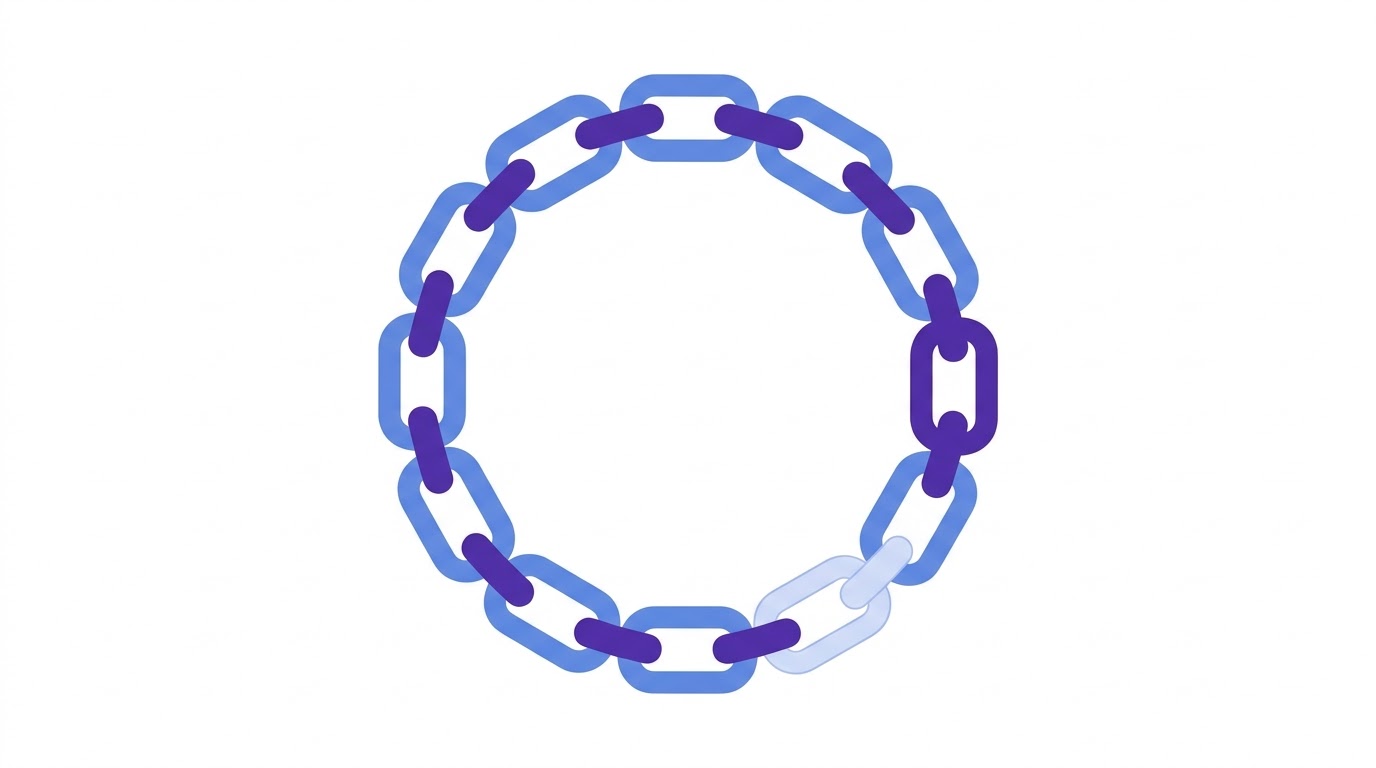
The full set looks like this. Five emails work on retention, three on billing and one on winning people back.
The first action beats the first impression
The most common first-email mistake is describing the product. Someone just signed up; they already agreed to try it, and there is nothing left to persuade.
The job of the first email is to deliver them to the key action. Every product has its own: create a first project, connect a data source, invite a colleague. It is the action after which the probability of staying rises sharply.
- one button leading straight to the key action rather than to the account page
- a one-line explanation of why that action matters
- how long it takes: "two minutes" removes the excuse to postpone
- no listing of other features — they distract
If the key action is not done within a day, a second email goes out. Not a reminder that you did not finish, but help: a common sticking point and how to get past it.
One feature per email
An onboarding series follows one rule: one feature per email. An email listing capabilities reads as advertising and leads to none of them being used.
Tie the emails to progress rather than the calendar. Someone who created three projects is ready to hear about collaboration. Someone who created none is ready for nothing.
Feature order is determined not by their importance to you but by the order in which the need arises. Export matters after something has been created, not before.
The cooling signal
This is the one place where SaaS can intervene in churn before it happens.
The mechanism is simple: a drop in activity precedes cancellation by weeks. Someone logged in daily, then weekly, then stopped. The cancellation arrives later, when the invoice does.
- triggered by an actual drop in activity rather than by calendar
- no reproach: "we noticed you have not logged in" reads as surveillance
- useful content instead of a request to return: a walkthrough of a problem the product solves
- an offer of help from a person, if the product is complex
Trial and decision
The trial-ending email is the only one in the whole map where a direct call to pay belongs. By then the person has used the product and the question is a real one.
Send it twice: three days before and on the day. The first gives time to decide, the second catches those who postponed.
Content matters more than the call to action. What works is a reminder of what the person achieved during the trial: how much they created, how much time they saved. Specifics instead of persuasion.
Billing: the most underrated part
Billing emails look like technical routine, which is exactly why they get treated as a formality. Yet one of them affects revenue more than any promotion.
That is the failed-payment notice. An expired card, insufficient funds, a bank decline — in every case the person did not abandon the product, they simply do not know there is a problem. The email recovers payment that would otherwise be lost along with the customer.
- sent immediately after the first failed attempt rather than after suspension
- explains the reason in plain words and exactly what to do
- the button leads straight to the card update form rather than to a settings section
- states how long access will remain
- repeats two or three times at intervals rather than once
An upcoming-charge warning is worth sending too, especially on annual plans. An unexpected large charge is a common cause of payment disputes, which is worse than a cancellation: it damages your standing with the payment provider.
And a technical note. SaaS emails often link to specific parts of the product, and they get opened on phones like anything else. If the link leads to a page that does not work on mobile, the email is pointless — the whole journey needs checking, not just the email.
The Mailvex library includes SaaS templates: signup confirmations, onboarding emails, billing notices and trial-ending reminders. They are built restrained, without promotional blocks, because a transactional tone works better here than an advertising one.
Start from ready templates for SaaS.
Browse the collectionFrequently asked questions
How many emails should onboarding have?
As many as there are key features to learn, one per email. Usually three to six. Tie them to user progress rather than the calendar: an email about collaboration is useless to someone who has created nothing yet.
Which email brings in the most money?
Usually the failed-payment notice. The person did not abandon the product, they simply do not know the card failed. That is recovered revenue that would otherwise be lost along with the customer.
Are product update emails worth sending?
Yes, but short and to the point. One notable improvement with an explanation of the problem it solves works better than a list of fifteen minor fixes. Such emails remind people the product is developing, and that affects renewal decisions.
