
How an Agency Runs Email for Several Clients
Six problems that appear from the third client onwards
Mailvex · 9 August 2026 · 6 min read
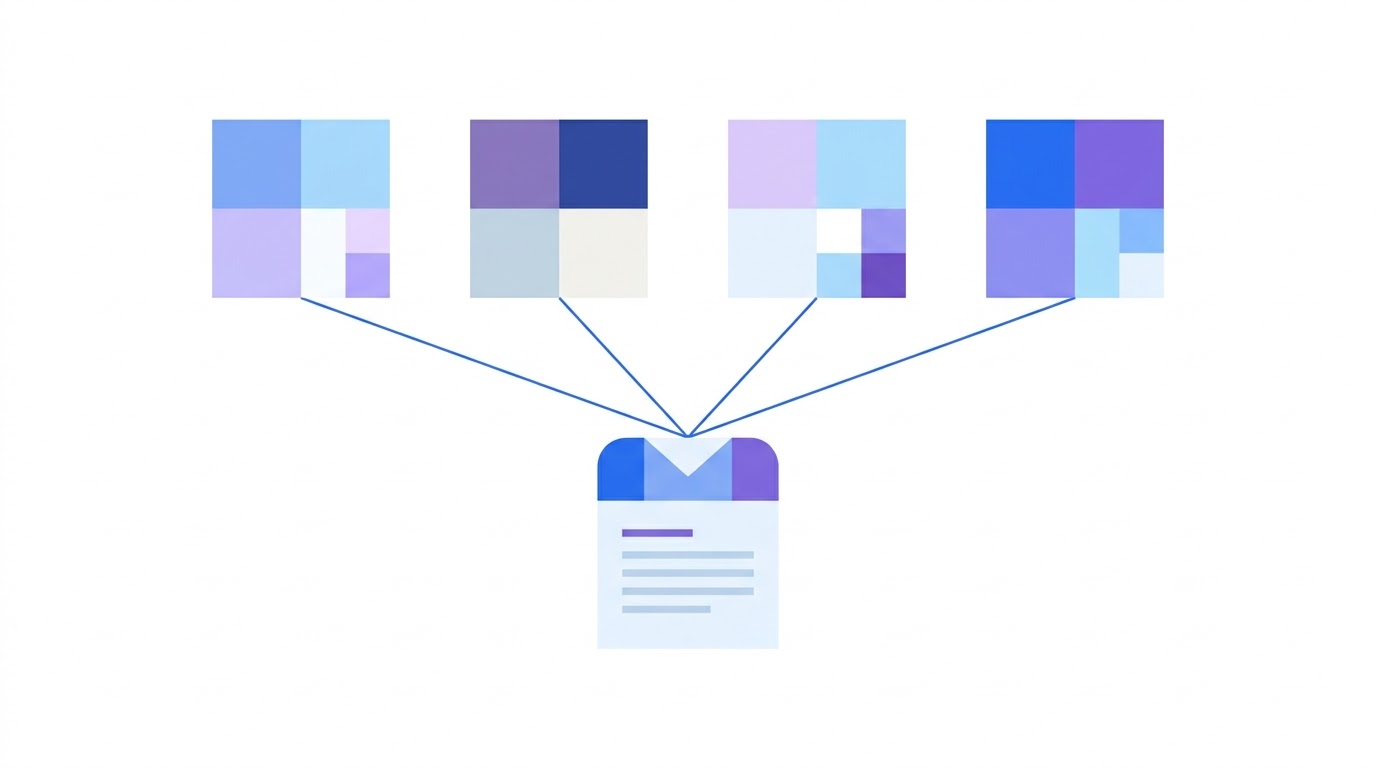
Any process works with one client, even a chaotic one. Trouble starts at the third: emails blur together stylistically, the same footer gets rebuilt, edits arrive as screenshots in a chat, and client knowledge lives in one person head. Below are six typical breakdowns and what to do about them.
Where the process breaks
The reason is that a process for one client and a process for ten differ in kind, not in degree. In the first case keeping everything in your head is fine. In the second, memory stops being reliable storage.
The tipping point usually arrives at the third or fourth client. Before it the chaos is manageable; after it, it starts costing money in rework, delays and emails in the wrong style.
Six typical problems
Agencies hit the same problems, and that is good news: it means proven solutions exist.
| Problem | How it shows up | What helps |
|---|---|---|
| Brand mixing | client A email goes out in client B colours | a separate brand kit per client |
| Repeated work | the same footer gets rebuilt again | synced modules |
| Approvals | edits arrive as screenshots in a chat | a public link with comments |
| Handover | client knowledge lives in one person head | shared projects and brand kits |
| Different sending platforms | each client has their own | clean HTML export |
| Scale | every new client starts from zero | a template gets copied and recoloured |
Note that five of the six are solved not by discipline but by how the tool is built. Discipline breaks in a busy week; structure stays.
A brand kit per client
This is the first and most visible problem. Each client has their own colours, fonts, logo, corner radii and tone of voice. Holding that in your head is impossible; holding it in files means opening a file and eyedropping a shade every time.
The solution is a separate value set per client, applied to every email at once. Switching between clients then takes a second rather than half an hour, and mixing up styles becomes technically impossible.
- colours: primary, secondary, accent, email background, block background
- a font pairing with system fallbacks
- the logo, ideally in two versions for light and dark mode
- corner radii, spacing and container width
- header and footer treatment
- tone of voice: formality level, acceptable emoji
The last item is often forgotten, and it saves the most revisions. Tone is part of a brand too, and it is better written down than discovered on the third round of approvals.
Approvals without screenshots
The second most painful problem. The classic pattern: someone sends the client a mockup, the client returns a screenshot with a block circled in red and the caption "change this". Then the decoding begins.
A public link to the email with comments left directly on blocks removes that step entirely. The client sees the email as it will appear and comments on a specific place rather than describing it in words.
A side benefit: the discussion stays attached to the email rather than drowning in a chat. A month later you can go back and see why a particular decision was made.
What you should not do twice
The third problem is quiet but expensive. The footer with legal details, the header with the logo, the social links block repeat across every email for that client. Working by hand, each change has to be made in each email.
Synced modules solve this: a block is configured once and a change applies to every email using it. The client moves office — one edit instead of thirty.
The fourth problem surfaces during holidays or when someone leaves. If client knowledge — which emails ran, why this style was chosen, which edits were already discussed — lives in one person head, their absence stops the work.
Shared projects and brand kits with roles solve this structurally. A new person opens the project and sees the full email history, the style settings and the comments from past approvals.
Export to different platforms
The fifth problem is technical but grinding: one client uses one platform, another a different one, a third something bespoke. Building emails inside each service editor means learning five different interfaces.
The way out is building the email in one place and exporting clean HTML that pastes into any service. Tag profiles for popular platforms insert the right merge variables so personalisation works without hand-editing code.
What it looks like in practice
The sixth problem is scale. Every new client means a new set of emails, and if you build them from scratch, the time per client never falls.
Organised properly it does fall: a welcome series, an abandoned cart flow and an order confirmation are structurally identical for any online store. The copy, products and brand kit change; the structure stays. Copying an email and recolouring it to another brand kit takes minutes.
A realistic picture for an agency with eight clients looks like this. Eight brand kits get configured once. A base set of three automated flows is built for the first client and copied to the others with recolouring. Approvals run through links with comments. Footer edits happen once through synced modules.
The gain is not in the speed of building one email but in the absence of repeated work. The second, third and eighth client cost noticeably less than the first — under a manual process they all cost the same.
41% of revenue from 5.3% of sends
Industry research: share of email revenue from automated flows, 183,000 brands
And an argument for the client conversation: automated flows earn disproportionately relative to send volume. For an agency this is doubly attractive — they are configured once and run continuously, unlike weekly campaigns that have to be produced again every week.
Build a first set of emails and copy it across clients.
Browse templatesFrequently asked questions
At how many clients does a separate tool become necessary?
Usually the third or fourth. Below that the chaos is manageable; above it, it starts costing money in rework and off-brand emails. The tipping point also depends on how different the client brands are.
Can I give a client access to their emails?
Yes, through a public link to a specific email with commenting. That is more convenient than setting up full access: the client sees the result and leaves edits but cannot accidentally break the project.
What if clients use different sending platforms?
Build the email in one place and export HTML that pastes into any service. Tag profiles for popular platforms insert personalisation variables automatically, so you never hand-edit code.
