
AI in Email Marketing: What Works and What Vendors Are Selling
An honest breakdown of where a model helps and where it gets in the way
Mailvex · 9 August 2026 · 5 min read
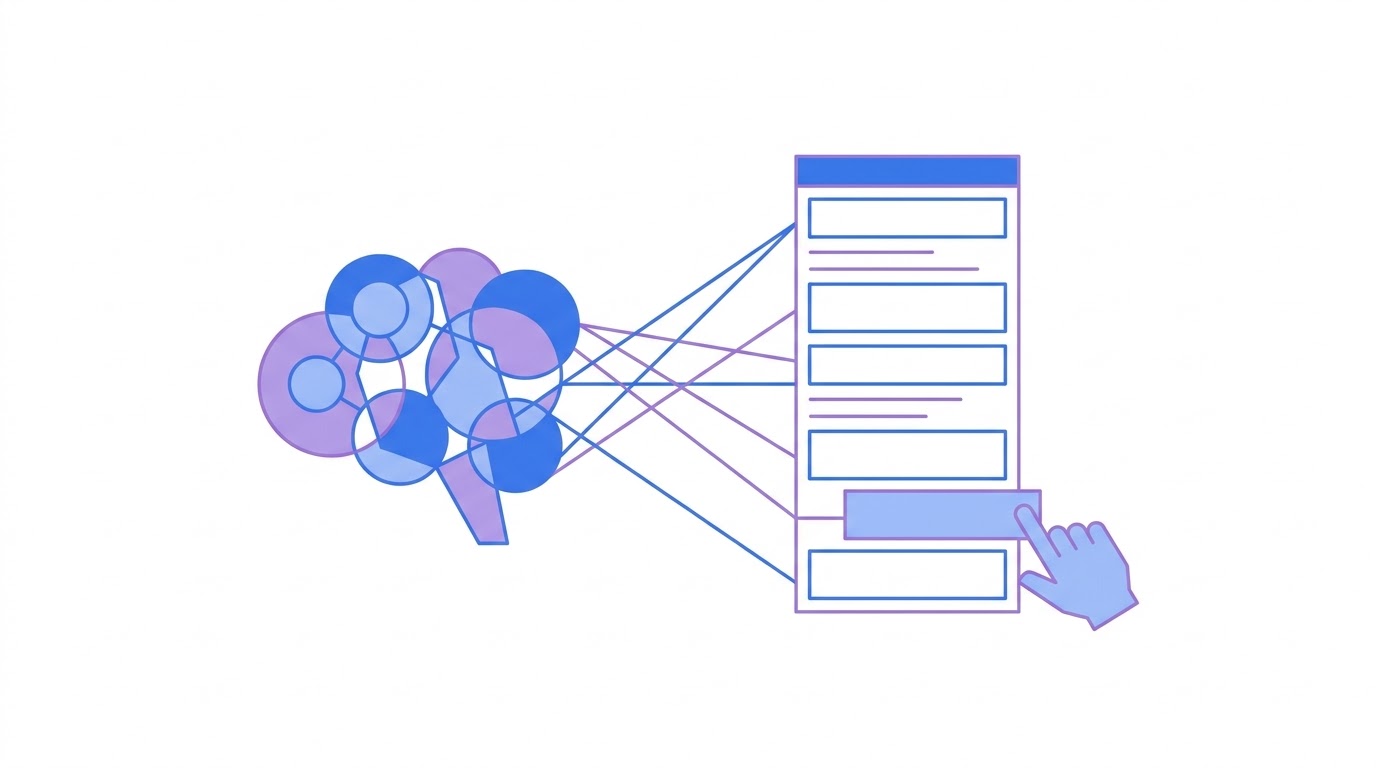
A model handles drafts, subject line variants, alt text and translation well. It handles final copy without editing, factual accuracy and strategy badly. Below is a breakdown by task and an explanation of why advertised revenue lifts should not be your benchmark.
How widespread this already is
Mass adoption has already happened. Nearly everyone has the tools; far fewer have built them into the workflow. Most teams bolted a model onto the side without rebuilding the process itself.
63% of marketers
Industry research: share of marketers using AI tools in email marketing
What they spend it on is more interesting. The most common use is not copywriting, as you might assume, but send-time optimisation. Copywriting occupies a markedly smaller share.
66% against 34%
Industry research: share using AI for send-time optimisation versus for copywriting
The logic holds: timing is a task where a human objectively loses to a machine, while copy is a task where a human is still needed to verify.
Where AI genuinely helps
Let us split it properly: where a model saves time without costing quality, and where it creates the illusion of work.
| Task | How useful AI is | Why |
|---|---|---|
| A first draft of the copy | high | removes the blank page, a human edits after |
| Subject line variants | high | produces ten options to test in seconds |
| Alt text for images | high | routine work where a mistake is nearly impossible |
| Translating an email | high | structure survives, edits are minimal |
| Send-time optimisation | medium | works on a large list, pointless on a small one |
| Audience segmentation | medium | depends on the quality of your own data |
| Final copy with no edits | low | brand voice and factual accuracy need a human |
| Campaign strategy | low | requires business context the model does not have |
The general principle: AI is good where you need many options quickly or routine work done by a clear rule. It is bad where context is required that it does not have — your prices, your delivery times, your history with a customer.
Where it is useless or harmful
A separate category is tasks where a model produces a plausible but wrong result. Factual claims are the dangerous ones. A model will confidently write "next-day delivery" or "the discount runs until Friday" if it fits the tone, and verifying that falls to you.
- prices, timings and terms — always verify by hand, models invent them
- legal wording — guarantees, returns, data handling
- tone towards long-standing customers — models default to more upbeat than you want
- figures and statistics in the copy — the source has to be yours, not the model
Why vendor numbers cannot be trusted
Now the uncomfortable part. Most of the impressive numbers about AI in email are published by companies selling AI.
The spread speaks for itself: some sources report a 5–10% lift in opens, others 22%, others 26%. For the same task — generating a subject line. A spread that wide means the measurement differed, or that what was convenient got measured.
Add that open rate itself is distorted by Apple mail privacy protection, which registers opens automatically. Any claimed 20% lift in opens today should be halved at minimum.
Complete distrust is wrong too. The sensible approach is to treat published figures as an upper bound and rely on your own A/B test. If your list is smaller than a few thousand addresses you will not reach a statistically meaningful result anyway, and that is worth knowing in advance.
How to fit AI into the workflow
- use AI for the draft but rewrite the opening paragraph yourself — everyone reads it
- ask for ten subject line options rather than one, then choose
- give the model context: who the audience is, what the product is, what tone you want
- verify every fact and figure before sending
- compare against your own past results rather than someone else numbers
On context, a note. The difference between a useless and a useful answer is almost always in how the task was set. "Write a sale email" produces boilerplate. "Write an email for women aged 25 to 35 who bought from us twice this year, about a previous-collection sale, calm tone, no exclamation marks" produces a workable draft.
How this works in Mailvex
In Mailvex the model is built into specific steps rather than parked in a separate chat window. It assembles a whole email from a description, rewrites or shortens a selected fragment, offers subject and preheader options, writes alt text for images, translates the email into other languages and reviews a finished email.
There is also chat editing: you can ask for changes in plain language without opening block settings. And image generation when the picture you need is not to hand.
Your brand kit applies automatically throughout, so generated copy lands inside your styling rather than becoming a block that stands apart.
Build an email with AI and see what comes out.
Browse templatesFrequently asked questions
Can I hand a whole email to a model?
A draft, yes; the final version, no. Verify facts first: prices, timings, terms. A model phrases things confidently and plausibly, but it is not a source of data about your business.
Is it true that AI lifts open rates by 20%?
Such figures come mostly from companies selling AI tools, and the spread between sources is too wide. On top of that, open rate itself is distorted by Apple privacy protection. Rely on your own test and on clicks rather than opens.
Where should I start if I have never used AI here?
With two low-risk jobs: subject line variants and alt text for images. Both are routine, both are easy to verify, both save time immediately. Add copywriting later, once you understand how to frame the task.
