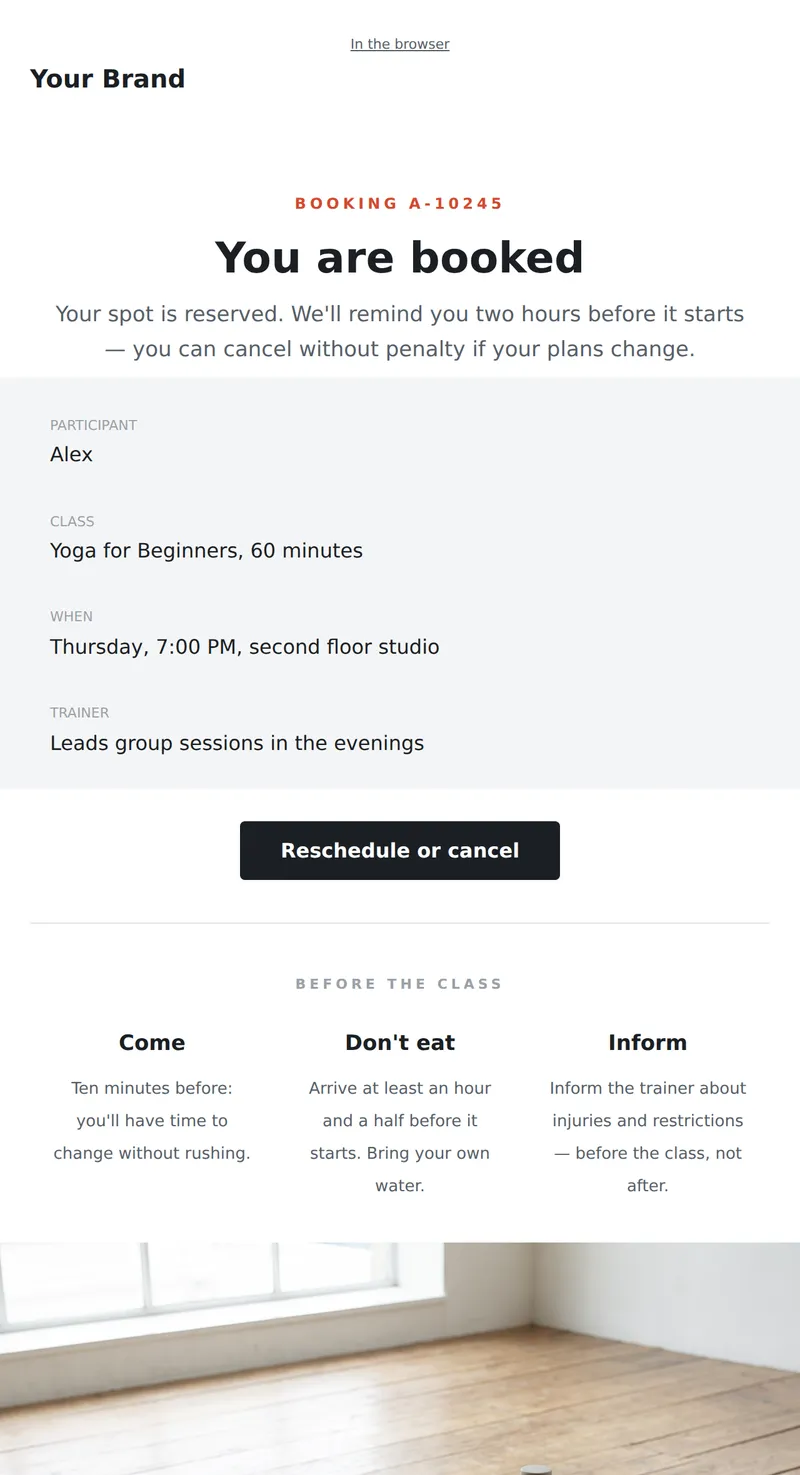
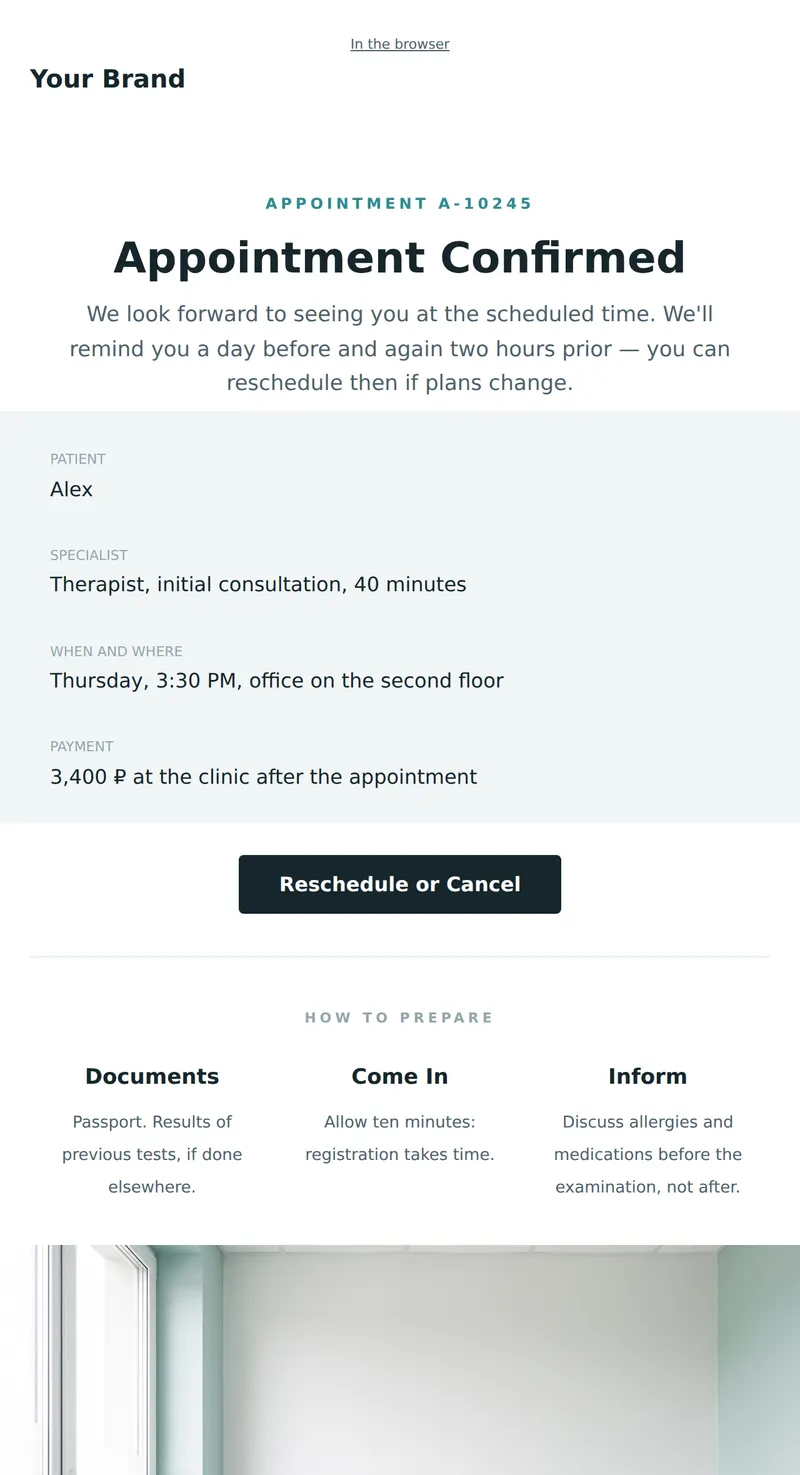
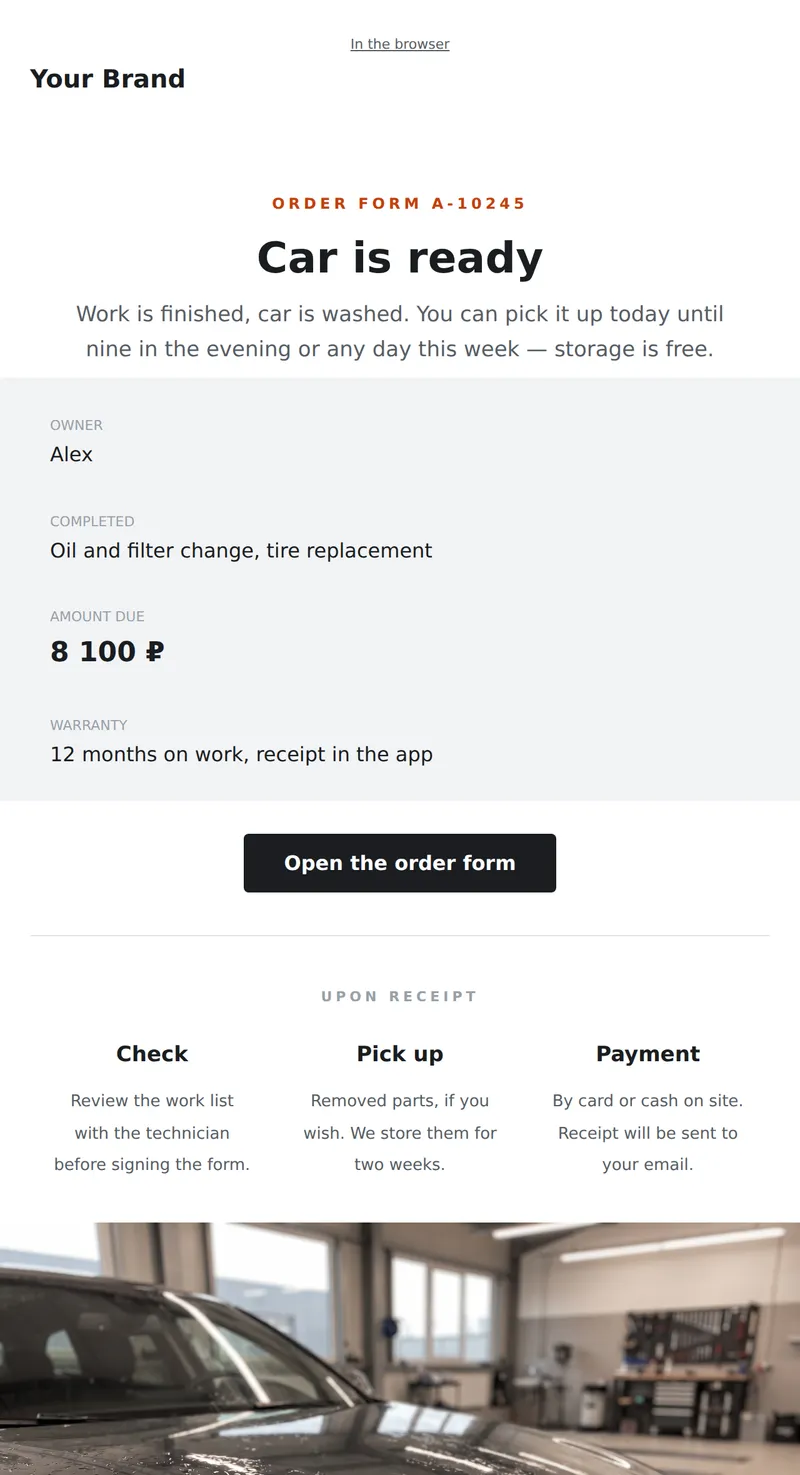
Showing confirmed: meeting details (real estate)

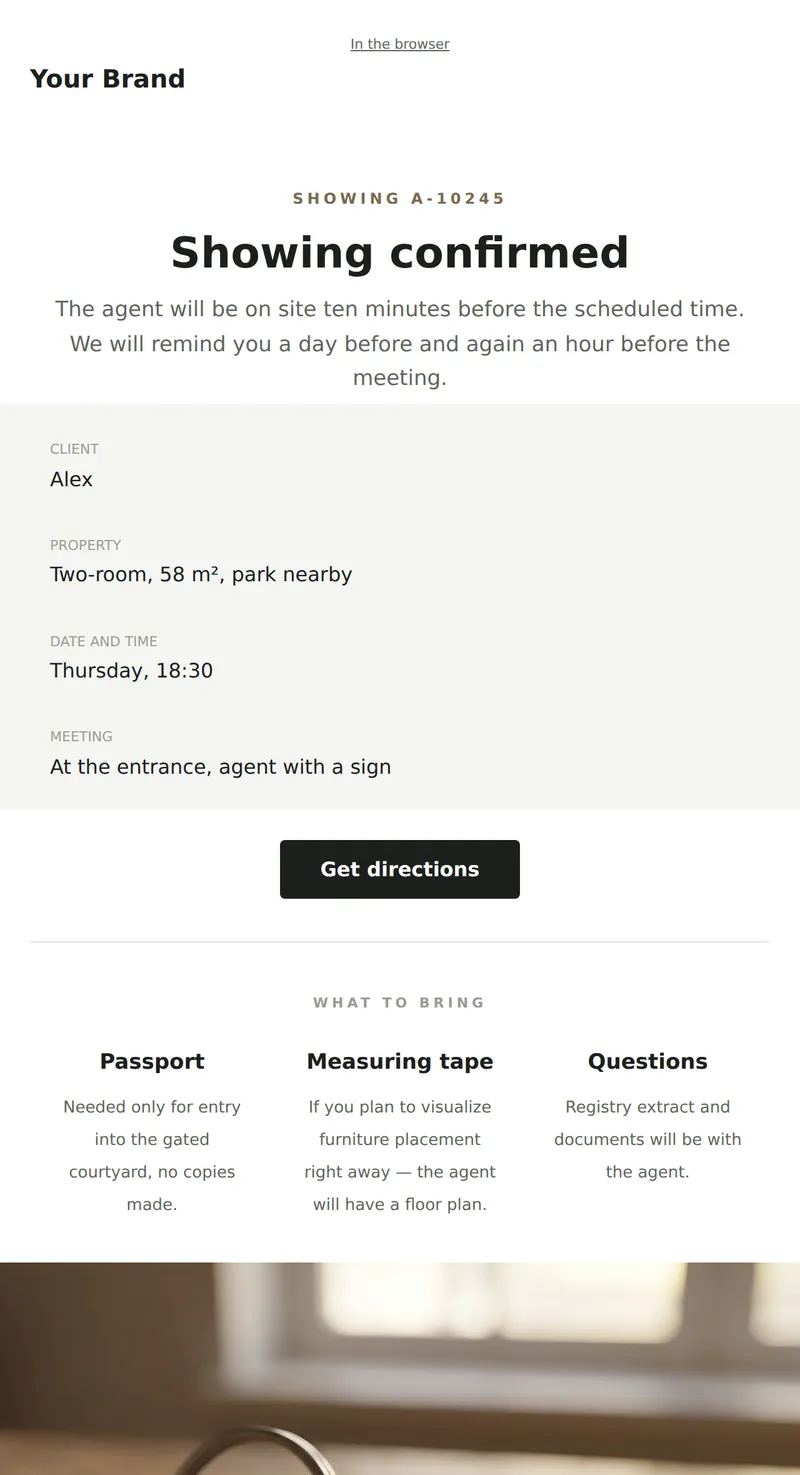
This email template serves as a confirmation for property showing appointments. It provides essential details such as meeting time, expert contact information, and items to bring, ensuring all participants are informed and prepared.

When to use it

Send this email immediately after a showing appointment is scheduled. It's intended for clients who have expressed interest in viewing a property, reinforcing their commitment and providing necessary details.

What's inside

  • Header with logo
  • heading_text
  • icons_row
  • Call-to-action button
  • Text block
  • Footer with social links

What to customise

  • Replace the meeting date and time
  • Insert the property address
  • Include the expert's contact information
  • List items the client should bring
  • Adjust the call-to-action button text

Tips

  • Ensure all details are accurate to avoid confusion.
  • Use a clear subject line for easy identification.
  • Include a brief summary of the property features.
  • Personalize the email with the client's name for better engagement.

Frequently asked questions

What if the client needs to reschedule?

Provide clear instructions for rescheduling in the email.

How do I ensure the email is delivered?

Use a verified sender address and avoid spam triggers in your content.

Can I track if the email was opened?

Implement tracking pixels or links to monitor email engagement.